AgentReconciliation agent · Finance and close
Account reconciliation for SAP Business One
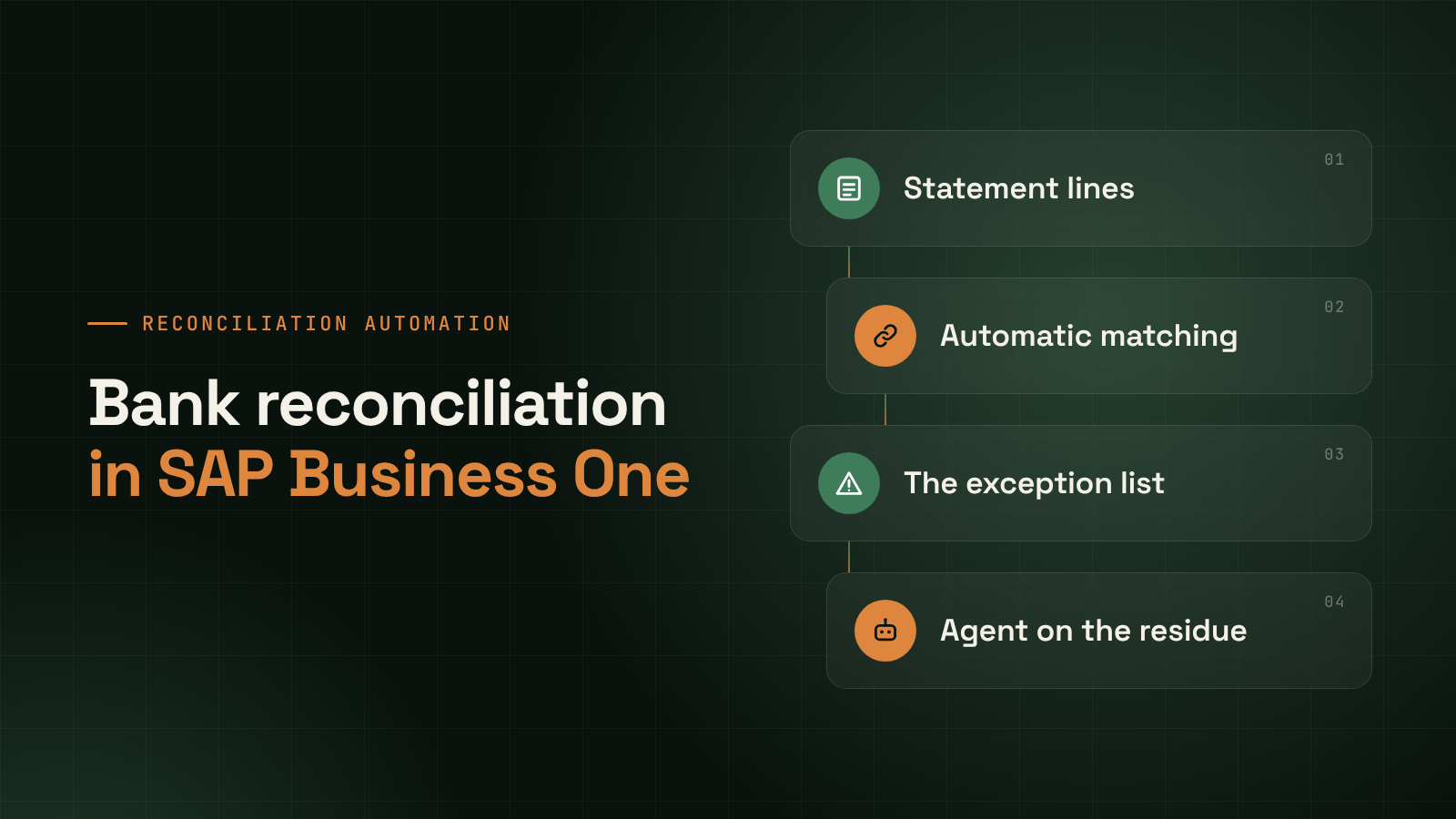
The agent reads both sides: your SAP ledgers, and the bank statement, vendor and customer statements and tax return data outside them. A five-pass matching engine ties them out, never forces a match, and hands your team only the short list that does not tie, each item typed with a reason and a suggested action. The agent drafts any entry for your team to post in SAP, and your CFO signs off the close.
Free · 30 minutes. We run the agent on a sample vendor ledger and bank statement and talk through how your close runs today.
01In short
What is account reconciliation?
Account reconciliation matches your books against outside records: bank statements, vendor and customer ledgers, and tax return records from the tax authority. The Corpogents reconciliation agent matches them line by line in several passes and gives every remaining difference a typed reason for your team to resolve before the close.
| Reads from | Your SAP ledgers, period-aware, plus bank statements, vendor and customer statements and tax return data in the formats they arrive: Excel, PDF, portal downloads |
|---|---|
| Works in | SAP Business One (HANA or SQL Server) and SAP S/4HANA |
| A person approves | Each statement’s mapping before matching, every exception, write-offs maker to checker, and the CFO signs off the period. Clean matches tie automatically. |
| Matching | Five passes in a fixed order, each AI proposal verified before it counts |
Best of both worlds
Product speed. Custom fit.
You shouldn’t have to choose between a rigid software box and a year of custom build. The Reconciliation agent is both.
Switch it on
A proven agent, ready to run. Deployment is configuration and testing, not a build.
Shape it to you
Your rules, approval limits and SAP setup are agreed in Map, and anything specific to your business is built around you, at product speed.
02The problem
Month-end reconciliation should not take a week in Excel
Your books say one thing. The bank, your vendors, your customers and the tax authority each say their own. So month-end means exporting everything to Excel and ticking entries line by line for days, and the mismatches that matter surface last, when the period is nearly shut.
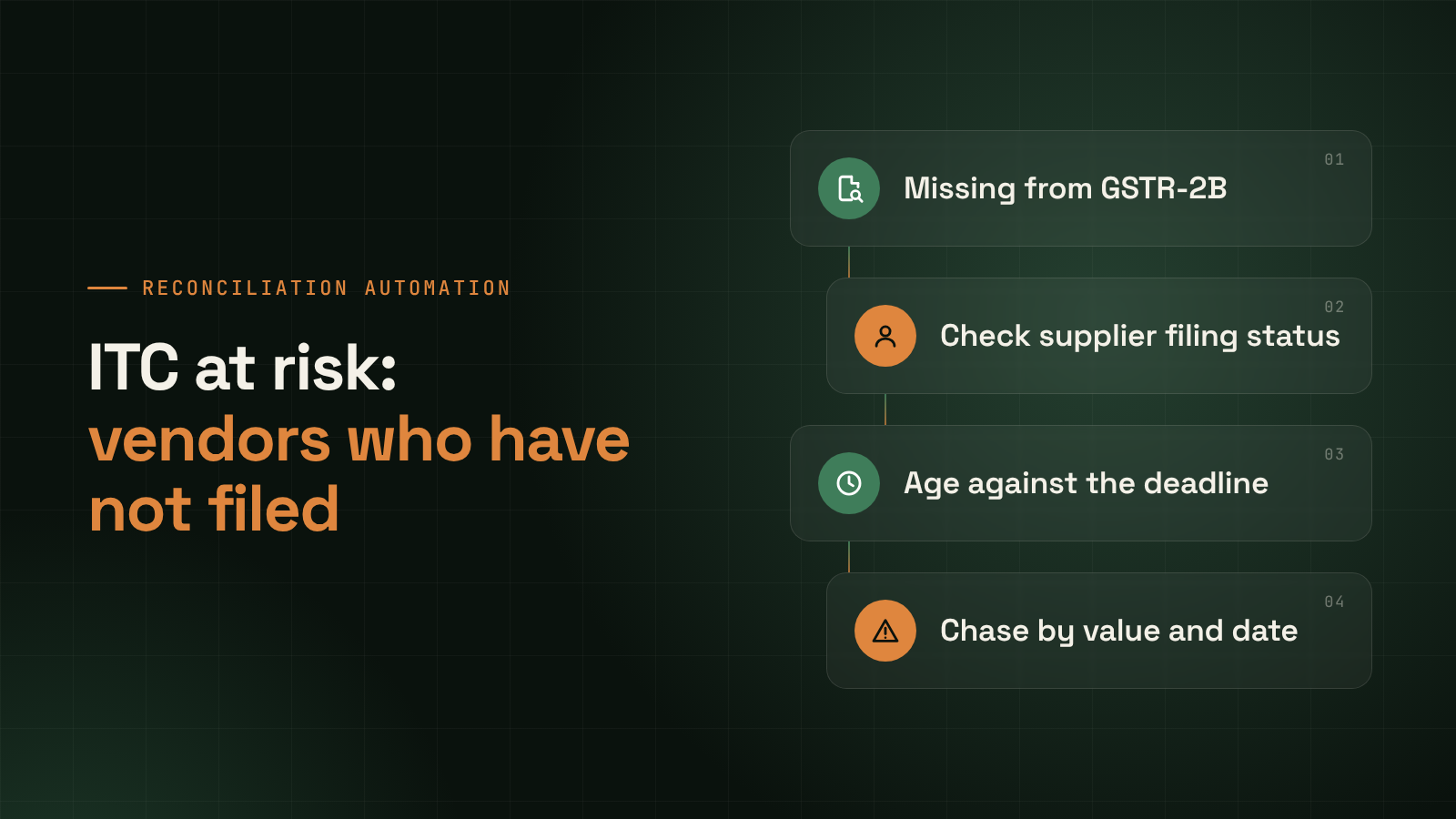
Every unmatched entry is one of two things: leakage or risk. A duplicate payment, a missed credit note, a receipt booked to the wrong party, each hides inside the unreconciled pile until someone ties it out. And the input tax credit your vendors never filed is money you already paid, blocked until each gap is resolved.
An agent that does the ticking hands your team only the judgement calls, and it hands them over in the first days of the close instead of the last.
- Read the return for the periodDownloaded statement matched to the purchase register for September
- Matched 14 invoices across 4 suppliersExact on invoice number and tax first; near matches verified before they count
- Supplier not filed: 4 invoicesInput tax at risk this month. Typed as a tax exception, nudge drafted
- Sized the credit at riskThe difference between the register and the return, by supplier
- Exception list to your teamYour team decides; the agent never posts
03How the agent works
How the reconciliation agent works
The agent does not run a report pack. It pulls both sides, checks the data before matching, matches in five passes, types what is left and walks the close to a CFO signature. The same data gives the same answer every time.
- 01 · Pulls
Bank kept current, then both sides of every record
Your SAP ledgers, period-aware, and the records outside them: bank statement, vendor and customer statements, tax return data, in the formats they actually arrive. Bank is kept current, because an unbooked bank entry is often the root cause of a payables or receivables exception. Before matching, every dataset is checked for totals, required fields, duplicates, currency and period cut-off, and a failed check stops that dataset with a stated reason, so the close never runs on partial data.
- 02 · Understands
Vendor statement reconciliation, customer ledgers and the tax return
Each statement is mapped to the right vendor or customer in your SAP master, and a person confirms that mapping before anything runs. The opening balance is tied first: if the statement’s opening figure and your SAP balance disagree, that difference is the first exception, because every later item would look wrong without it. Then vendor statements are set against your payables ledger and customer statements against receivables, entry by entry, with credit notes, part-payments and payments on account on both sides. Tax return records from the tax authority are set against the purchase and sales registers the same way.
- 03 · Checks
Five matching passes, never a forced match
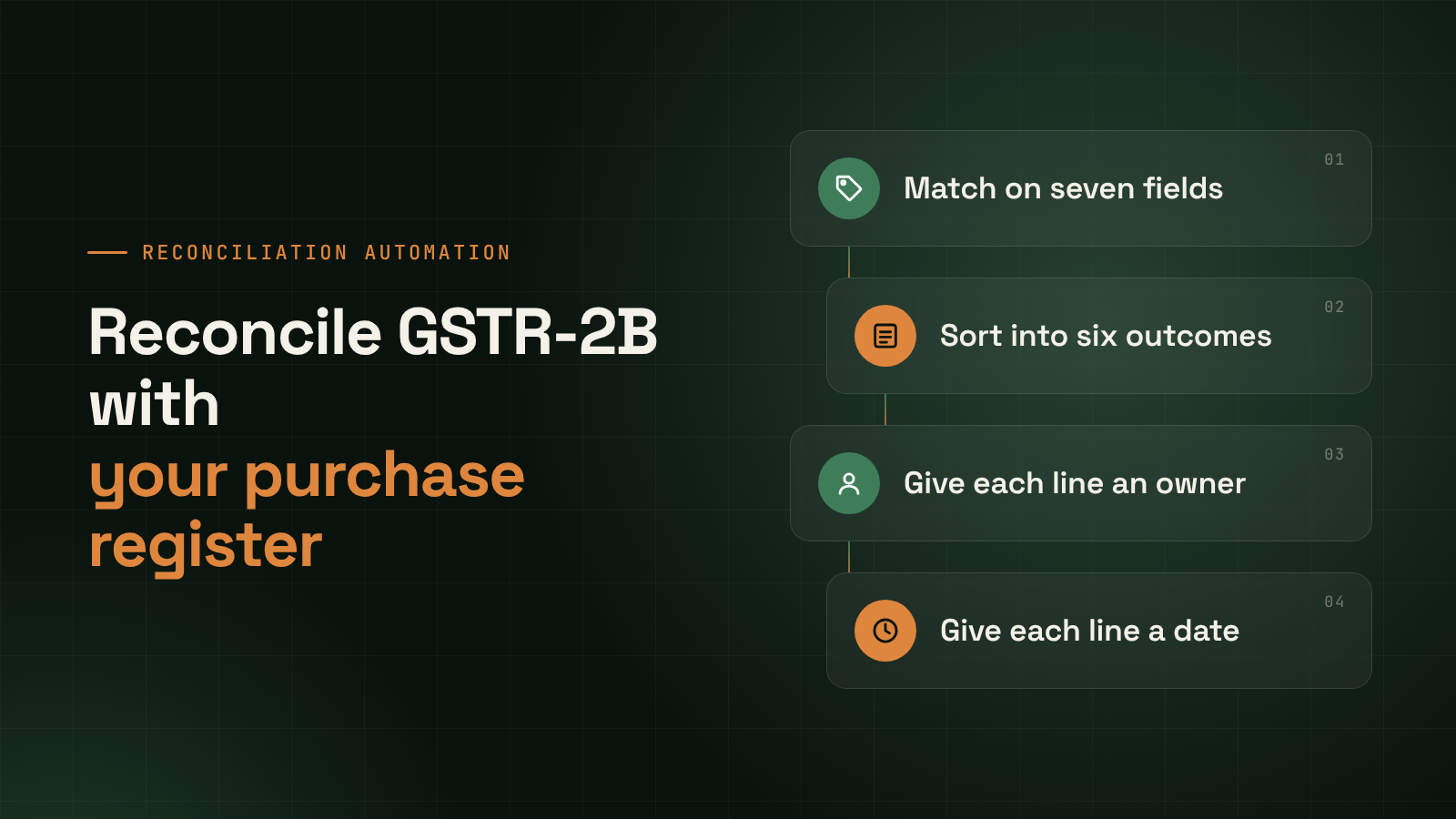
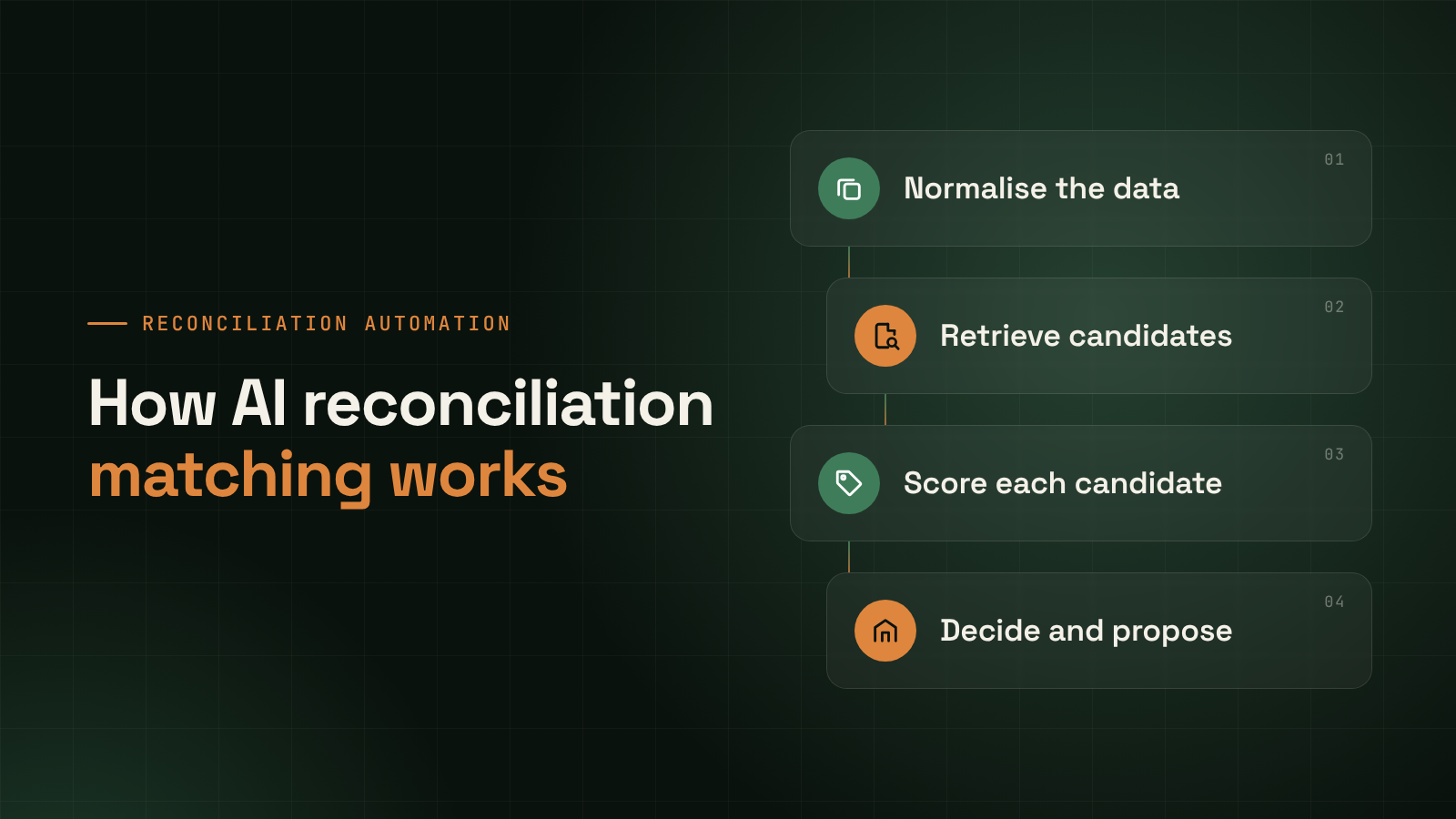
Five passes in a fixed order: exact match first, then reference with tolerance, then amount and date proximity, all three rules that run automatically; then AI-proposed composite matches, then AI-assisted fuzzy matching for the references each vendor writes its own way. Every AI proposal is checked before it counts, and an ambiguous candidate stays unmatched.
- 04 · Acts
A typed exception list, with a suggested action
What does not tie is typed, as timing, amount, missing, duplicate, tax or classification, then aged and paired with a suggested action and an owner: book it, mark it as timing, query the vendor or customer, wait for the bank to confirm, or propose a write-off that routes for approval. Where an entry is needed, the agent drafts it and your team posts it in SAP. Your team works one queue, with the dashboards and Excel outputs it already knows.
- 05 · Learns
Closes with a signature, and learns for next month
Your team works the list, write-offs route maker to checker, one above the threshold goes to a different approver, and your CFO signs off: bank current, no open criticals, control accounts tied to the ledger, then the period locks with the audit pack behind it. What your team resolved is kept: statement layouts and vendor reference patterns are reused, timing items carry forward, confirmed reclasses are proposed next time, and closing balances become next month’s opening balances, so next month’s exception list is shorter.
Illustration: one vendor ledger at a typical mid-size manufacturer
Say a vendor statement arrives with a few thousand entries for the quarter. Bank is already reconciled, so payments in transit are known. The engine runs its five passes: most entries tie exactly; a few hundred tie once the vendor’s reference format is allowed for; a handful tie on amount and date; a few composite matches, two of the vendor’s documents to one of yours, are proposed and verified. Nothing is forced.
What is left is a short list, each item typed: an invoice in the vendor’s ledger that is not in your books, a payment in transit, an entry posted against the wrong vendor. Each has a suggested action and an owner. Your team works that list, posts the entries the agent drafted, and your CFO signs off the close with the audit pack already built.
Illustration of how the workflow runs. Not a measured client result.
- 02:10:00Checked the statement before matchingMapping confirmed by your team · totals, duplicates, currency and cut-off agree · opening balance tiedStatement
- 02:10:14Pass 1 and 2: exact, then reference with toleranceClean matches tied automaticallySAP B1
- 02:10:31Pass 3 and 4: amount and date, composite proposalsEach AI proposal verified before it countedSAP B1
- 02:10:40Pass 5: fuzzy references, ambiguous left unmatchedExceptions typed: timing, missing, duplicate, classificationSAP B1
- NowWaiting for the finance controllerBook, reclass, query or propose a write-off for each item. The agent drafts entries; your team posts them.You
04Compared
The reconciliation agent, Excel and your ERP’s bank reconciliation module
| What matters | Corpogents Reconciliation agent | Excel | ERP bank reconciliation module |
|---|---|---|---|
| What it reconciles | Bank, vendor and customer ledgers, and the tax return, as one sequenced close | Anything, by hand | Bank against books |
| How entries match | Five passes, exact to AI-assisted fuzzy, never forced | Lookups and eyes | Exact and simple rules |
| References written differently | Matched with tolerance, verified before counting | Found by scrolling | Usually left unmatched |
| What is left over | A typed exception list with a suggested action and an owner | A highlighted sheet | An unmatched list |
| Input tax at risk | Flagged before the filing, by supplier | A separate exercise | Not covered |
| Who posts | Your team posts the entries the agent drafts; the CFO signs off | Your team | Your team |
| Who runs and tunes it | We do, as a managed service | Your team | Your ERP partner |
05Control
Nothing in your books changes without a person
You decide how much the agent does on its own. On day one it matches and proposes, and that is all.
It matches, types and proposes. It never posts to your books.
Proposes, never posts
The agent matches, then drafts entries and write-offs. Your team posts them in SAP, an ambiguous candidate stays unmatched rather than forced, and the CFO’s sign-off is what locks the period.
- Reason
Every exception has a typed reason. Reason codes on every resolution. A write-off above the threshold routes to a different approver, so the maker never checks their own work, and high-value items take a second pair of eyes.
- AI
The AI proposes; it never decides. Every number and every decision is computed by rules your team can read. The AI only proposes composite and fuzzy matches and draft text, and each proposal is checked before it counts. It cannot close an exception, approve a write-off or set a tolerance.
- Sign-off
The CFO signs off; the agent never does. Bank current, no open criticals and control accounts tied to the ledger, then sign-off locks the period, with the audit pack and the full trail behind it.
- Access
Access your IT team controls. Agents run in the Corpogents cloud and connect to your SAP through a user your IT team creates and can revoke, with only the permissions you grant. We never train models on your data.
06Integrations
Works with SAP Business One and SAP S/4HANA
Statements arrive the way they arrive today. The agent reads them as they are, works against the SAP you already run, and hands results back in the dashboards and Excel outputs your team already knows.
- ERP
- SAP Business One (HANA or SQL Server) and SAP S/4HANA.
- Statements
- Bank, vendor and customer statements as they actually arrive: Excel, PDF and portal downloads, with the file format detected on receipt.
- Tax
- Tax return records from the tax authority matched to the purchase and sales registers, under the GST and VAT rules for the countries you operate in, with an input tax at risk register and the statutory calendar.
- Multi-entity
- Each company database reconciled on its own, with approvers scoped by entity, then consolidated. Multi-currency entries matched at the booked rate.
- Approvals
- Statement mapping confirmed by a person, write-offs maker to checker with thresholds that route larger ones to a different approver, and CFO sign-off that locks the period.
- Sequence
- Bank kept current, ledgers matched as statements land, tax in its monthly cycle and the GL tie-out last. One late bank statement never freezes the close. Runs are repeatable, so the same data gives the same answer.
07What changes
What changes for your close
- Days of ticking and tying in Excel become a run your team reviews.
- Mismatches surface as statements land, not in audit week.
- Input tax at risk is flagged by supplier before the filing, not after the auditor asks.
- Every write-off is approved maker to checker, on the record.
- Duplicate payments and missed credit notes stop hiding in the unreconciled pile.
- Your CFO signs off a close with the audit pack already built.
08FAQ
Reconciliation automation, answered
What does the agent reconcile?
Bank, vendor statements against payables, customer statements against receivables, and tax return records against the purchase register, run as one month-end close. Bank is kept current because an unbooked bank entry is often the root cause of a payables or receivables exception: resolve it once and the downstream item clears itself.
How does the matching work?
Five passes in a fixed order, from exact match to AI-assisted fuzzy matching, as set out step by step above. The first three are rules that run automatically; the AI passes only propose, every proposal is checked before it counts, and an ambiguous candidate stays unmatched.
Can the AI make up a match?
No. Every number and every decision is computed by rules your team can read. The AI only proposes composite and fuzzy matches and draft text, each proposal is checked against the amounts before it counts, and one that fails the check is discarded. The AI cannot close an exception, approve a write-off or set a tolerance.
What happens to entries that do not match?
Each one is typed (timing, amount, missing, duplicate, tax or classification), aged and given a suggested action and an owner. Your team works the list from one queue, with dashboards and Excel outputs alongside.
What if the opening balance does not tie?
It becomes the first exception. Before any movement is matched, the agent compares the opening balance on the statement with the balance in SAP for the same date. If they differ, a prior-period difference exists and every later item would look wrong, so your team resolves that one first.
Does the agent change anything in our books?
No. It is read-only by default. The agent drafts entries, adjustments and write-offs; your team posts them in SAP. A write-off above the threshold routes to a different approver, every resolution carries a typed reason, and the CFO’s sign-off is what locks the period.
How is tax return reconciliation handled?
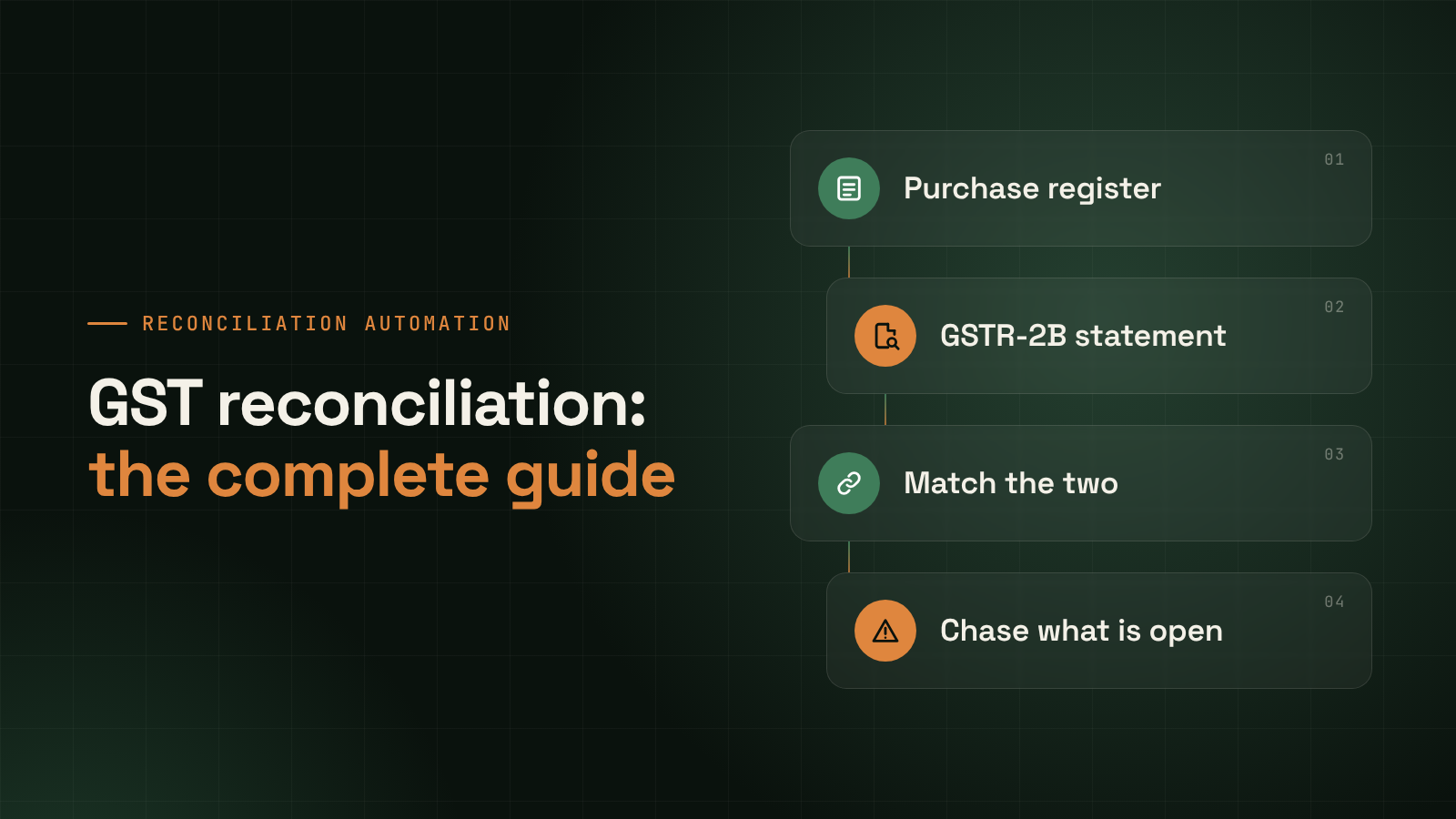
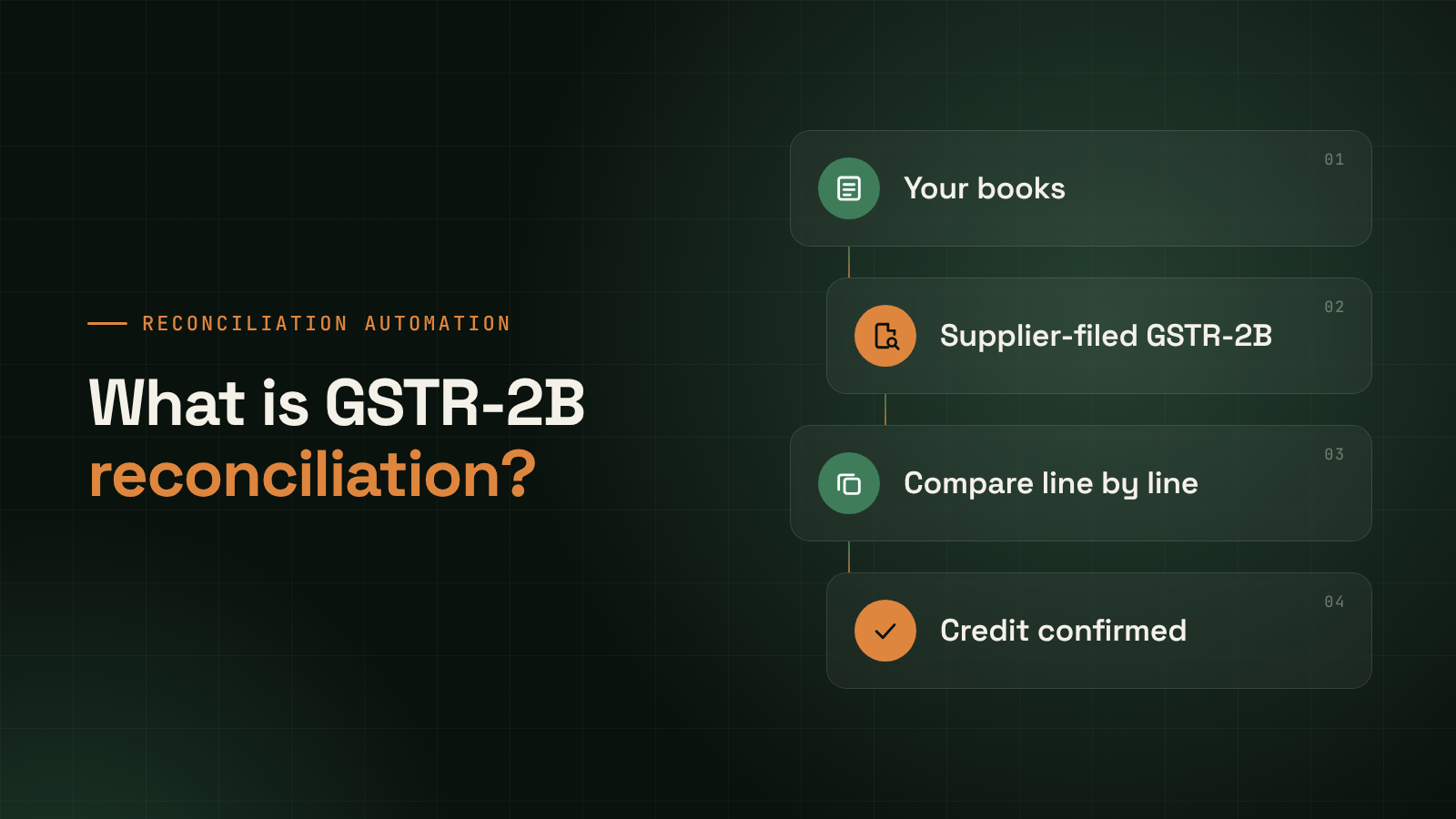
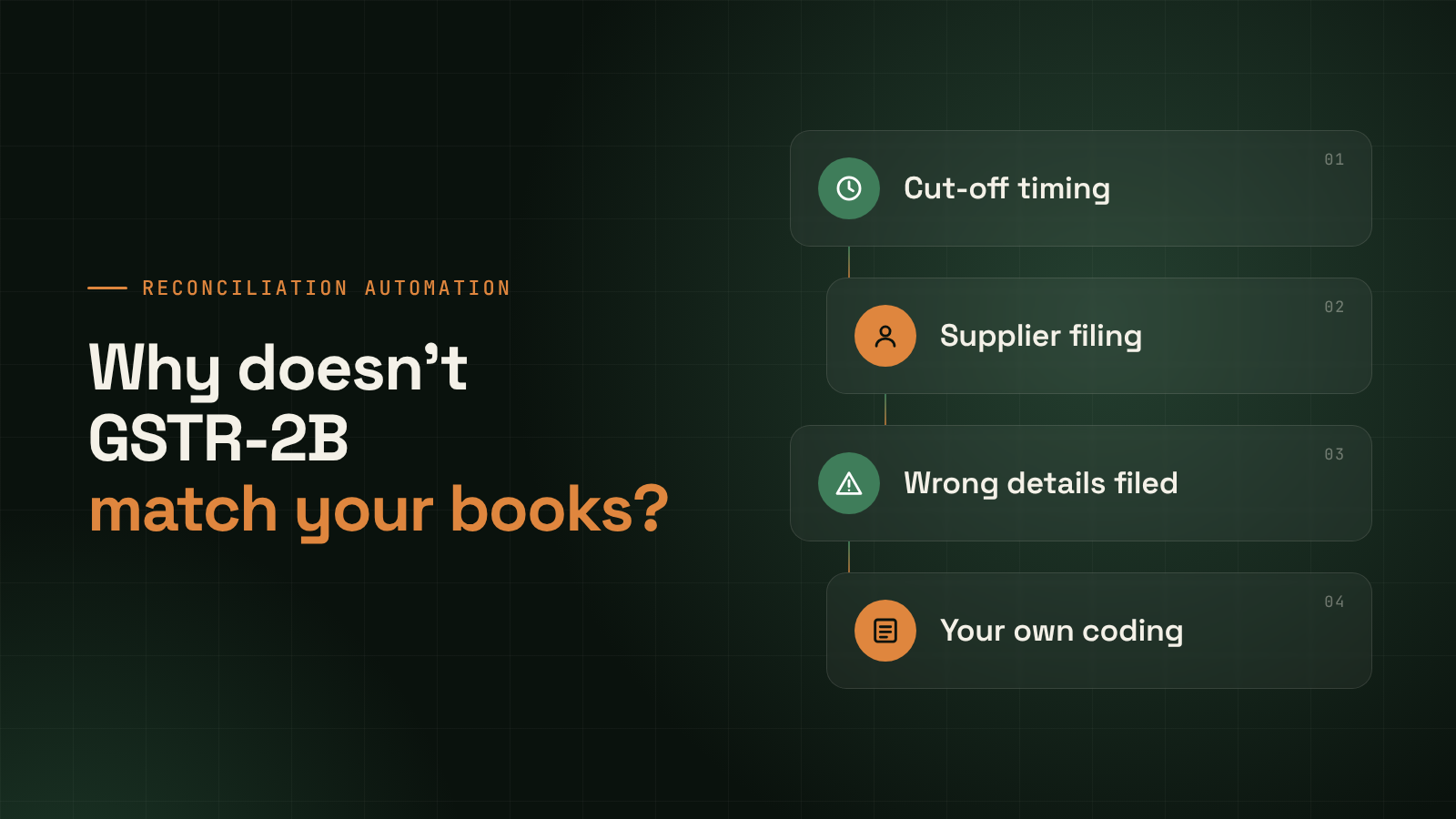
The tax return records from the tax authority, the statement of what your suppliers filed against your tax ID, are matched line by line against your purchase register, with tax ID and rate checks. Gaps become typed tax exceptions: a supplier who has not filed puts your input tax credit at risk and gets a drafted nudge for your approval; an invoice filed against you that you never booked is investigated. The input tax at risk register is built before the filing, not after the auditor asks.
Which countries does the tax matching cover?
The agent works to the GST and VAT rules for the countries you operate in, with the return matched to the purchase and sales registers, tax ID and rate checks, and standard, zero-rated, exempt and reverse-charge treatment. Your rules are configured per country during Map, and we will say plainly what is covered for yours when you book.
What do you need from us to start?
For the demo, nothing. For Deploy: access to SAP through a user your IT team creates, the statements your close already uses (bank, vendor, customer and tax authority downloads) in the formats they arrive, your tolerances and write-off thresholds, and a named approver and signer for the close.
Which ERPs does it work with?
We work with SAP Business One (HANA or SQL Server) and SAP S/4HANA today. If you run another ERP, tell us when you book. Statements and ledgers are mapped into one model, so a new source is configuration, not a rebuild.
How long does it take to go live?
The engine already exists, so deployment is configuration and testing rather than a build: your SAP connection, thresholds, tolerances, column mappings and rule packs. Timing depends mostly on how quickly SAP access is set up and how many sources your close has. You get a dated plan at the end of Map, and the agent runs alongside your team on a real period before anything is proposed for posting.
NextBook a demo
See the agent tie out a ledger like yours
In the demo we run the engine on a sample vendor statement and bank statement, show you the five passes, the typed exception list and the sign-off trail, and talk through which reconciliations your close runs, how many entries and how many days. You’ll leave knowing whether the close is the right place to start.
Free · 30 minutes. No data needed from you for the demo.
Related guides