AgentCash Flow agent · Finance and close
Cash flow forecasting and management software for SAP Business One
The agent reads receivables, payables and tax data out of your SAP every morning, writes your daily cash position and a forecast of the weeks ahead in plain language before the first meeting of the day, and drafts the actions a controller would take: the promises at risk to chase, this week’s payment run ranked with expiring discounts first, and the vendors to nudge. Your team approves before anything moves.
Free · 30 minutes. We show you a morning brief built from a sample ledger and talk through how your position gets built today.
Good morning. This week is tight because tax falls due before your two largest promises clear.
01In short
What is cash flow management software?
Cash flow management software gives finance a daily cash position and a forecast of the weeks ahead, built from receivables, payables and tax, so the business sees a working capital shortfall early and decides what to pay and what to chase. The Corpogents Cash Flow agent reads from SAP and from the Accounts Receivable, Accounts Payable and Reconciliation agents, writes a plain cash brief each morning and ranks this week’s payments for approval.
| Reads from | Open receivables, payables and due dates in SAP, bank balances from your statement feed, promises to pay from the Accounts Receivable agent and tax return matching from the Reconciliation agent |
|---|---|
| Works in | SAP Business One (HANA or SQL Server) and SAP S/4HANA |
| A person approves | Every payment run before it is released, in your bank and your SAP |
| First brief | A morning brief built from your own ledgers during Deploy, with the drafted actions attached |
Best of both worlds
Product speed. Custom fit.
You shouldn’t have to choose between a rigid software box and a year of custom build. The Cash Flow agent is both.
Switch it on
A proven agent, ready to run. Deployment is configuration and testing, not a build.
Shape it to you
Your rules, approval limits and SAP setup are agreed in Map, and anything specific to your business is built around you, at product speed.
02The problem
Your cash position should not take until noon
Every morning the same question, what is our position, and the answer is assembled by hand: five exports from SAP, a bank statement that stopped at yesterday, a message to the accountant. The number lands by noon and is stale by evening.
Meanwhile collections are chased from memory, an early-payment discount quietly lapses, and input tax leaks through tax-return gaps that nobody checks until filing week. A payment released against last week’s position is a guess.
Cash flow visibility that arrives late is not visibility. It is history. The point of a morning brief is that every release, every chase and every hold is decided on today’s number.
- Read the position at 08:00Receivables, payables and the purchase register from SAP, the bank feed to this morning
- Ranked 14 payablesBy due date, discount and your approval bands; 4 shown
- Discount expiring tomorrowRanked first, ahead of its due date. Needs your controller’s release
- Added tax credits at risk from reconciliation3 vendors have not filed; the input tax at risk sits beside the tax payment
- Payment run staged, not releasedYour controller releases it in your bank and your SAP
03How the agent works
How the agent builds your daily cash position and forecast
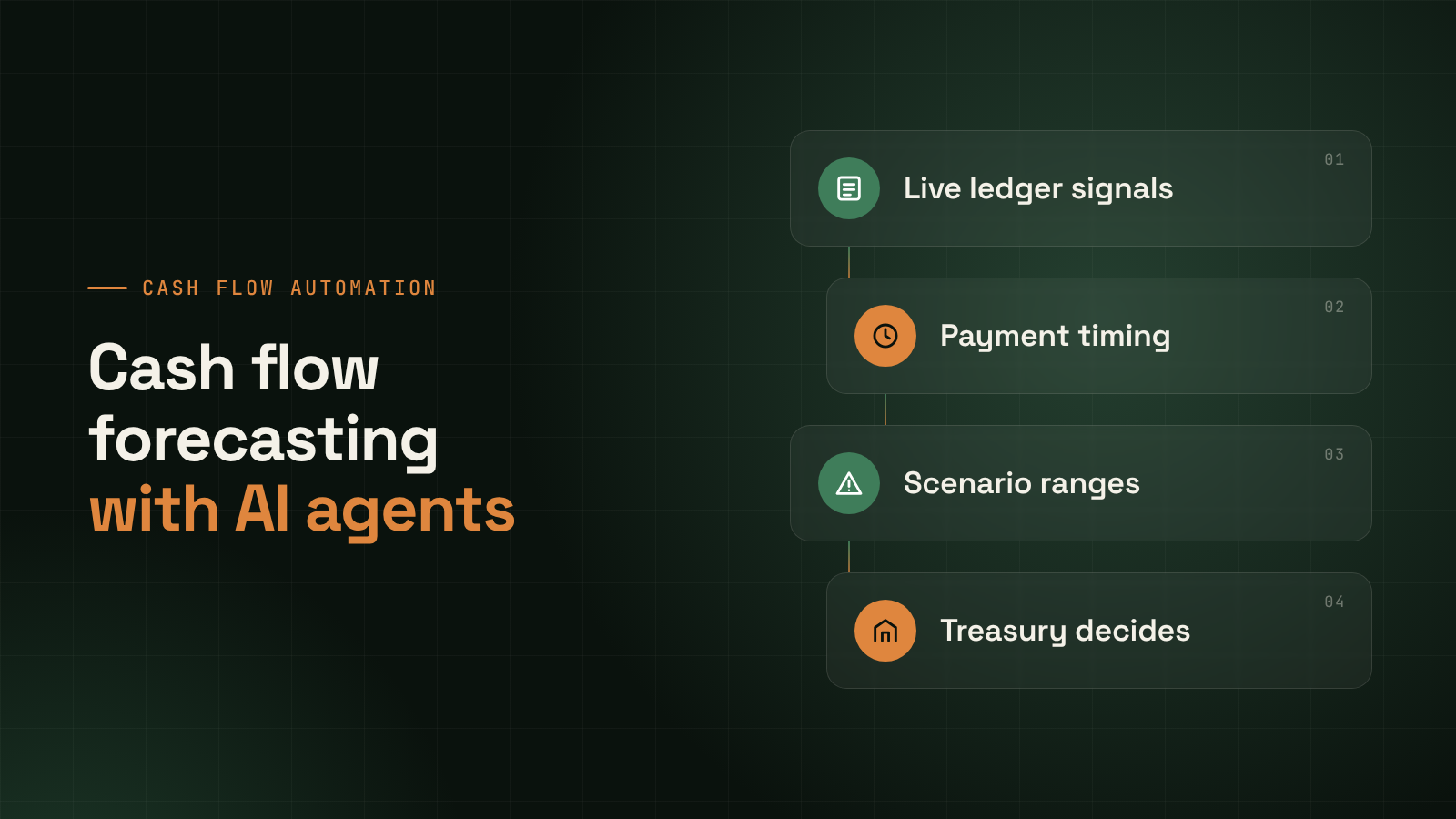
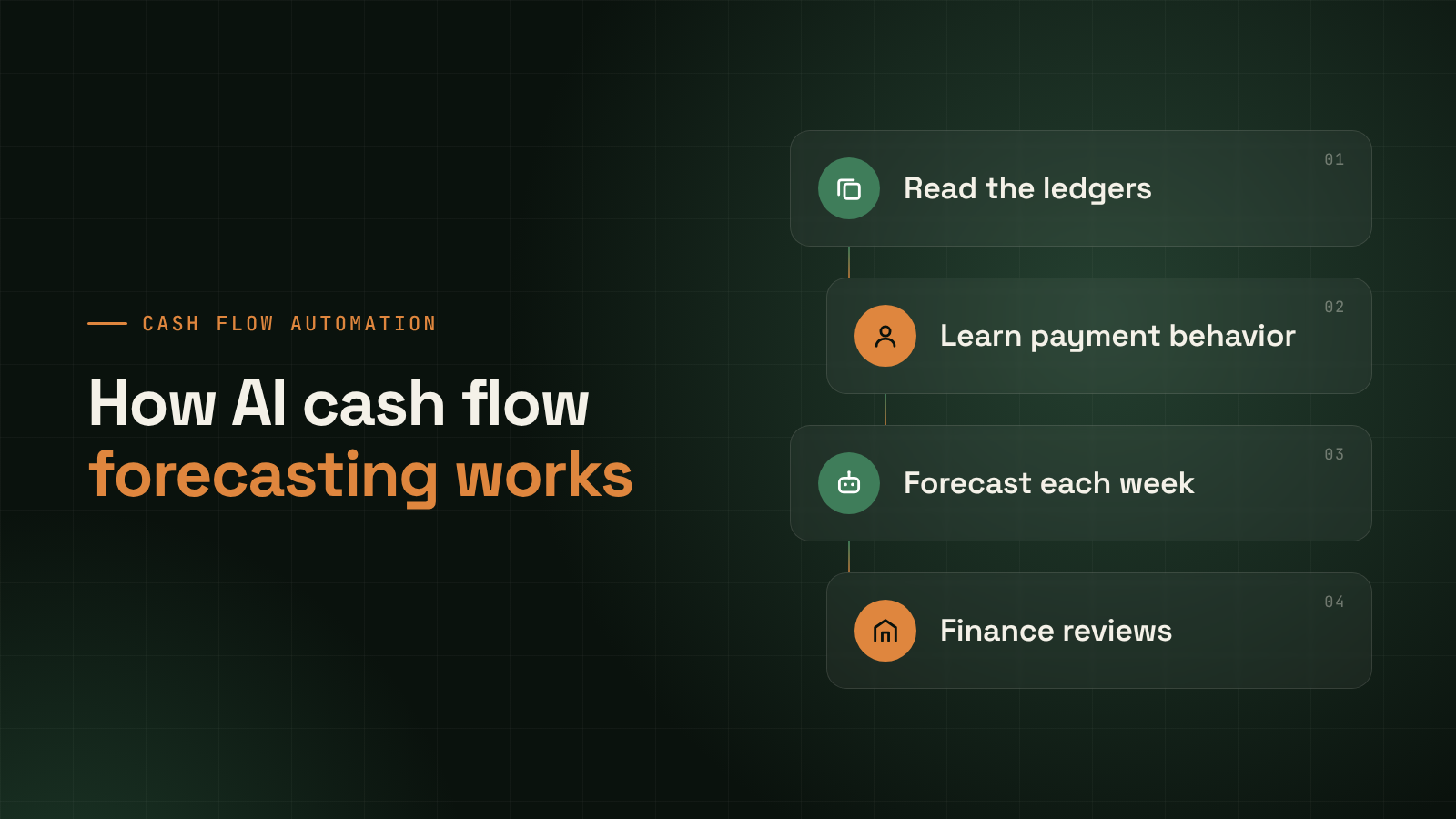
The agent does not run a fixed report pack. It reads, checks, writes and drafts, then hands your team the approvals, and the cash flow forecast gets sharper every morning.
- 01 · Reads
Reads receivables and payables
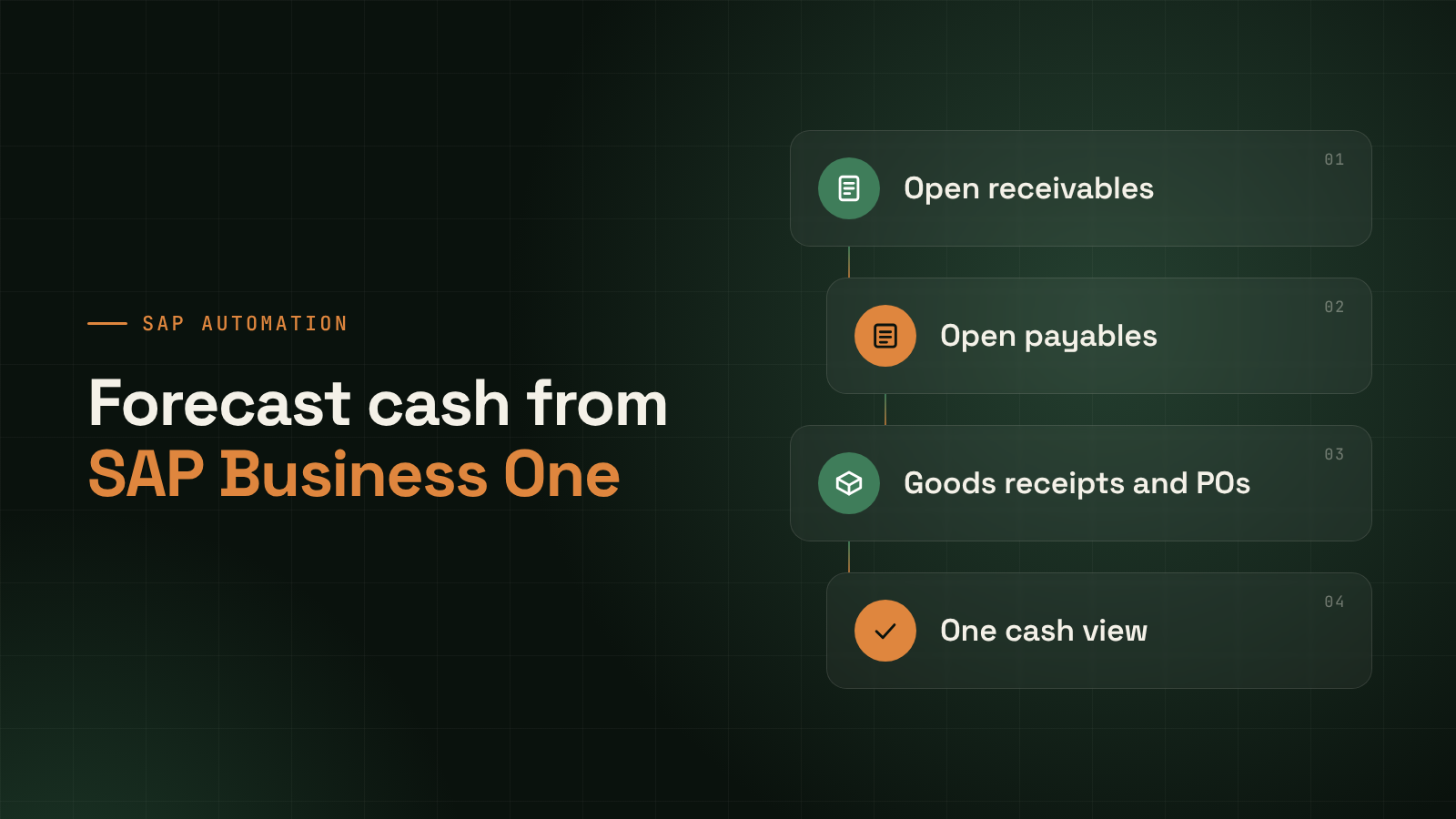
Receivables and payables come straight from SAP each morning: open invoices, due dates, holds and early-payment terms, with bank balances to this morning from your statement feed. Promises to pay arrive from the Accounts Receivable agent or are logged by your team. No exports, no retyping.
- 02 · Understands
Adds tax credits at risk from reconciliation
When the Reconciliation agent matches the tax return records from the tax authority to your purchase register, the vendors who have not filed and the exact input tax at risk flow into the brief. That credit is cash, and a blocked claim raises this month’s tax outflow.
- 03 · Checks
Writes the daily cash position and forecasts the weeks ahead
A plain-language brief: expected in, due out, statutory outflows and the net position after commitments, written the way a controller would put it. For example: this week is tight because tax falls due before your two largest promises clear. The cash flow forecast for the weeks ahead separates promise-backed receipts from estimates.
- 04 · Acts
Ranks what to pay and what to chase
Three kinds of action are drafted, each with an approve chip: the promises at risk, handed to your collections team or the Accounts Receivable agent to chase; the week’s payment run, sequenced against the position with expiring discounts first; and nudges to the vendors whose filing is blocking your credit. Your controller approves, reorders or holds the run.
- 05 · Learns
Learns from every promise kept or broken
Every promise that is kept or broken, every receipt that lands early or late, feeds the next brief. Payment is confirmed from SAP, never from a customer’s email, so the forecast is built on what actually arrived.
Illustration: a Tuesday morning at a typical mid-size manufacturer
Say the finance team starts at nine. At eight the brief is already in the controller’s inbox: receipts expected today from eight customers, two of them promises that look shaky; payables due this week from fourteen vendors, one with a discount that lapses tomorrow; a tax payment due next week, which falls before the two largest promises clear.
Beneath the brief sit three items: the two shaky promises, passed to collections to chase; this week’s payment run with the discounted invoice ranked first; and nudges to the three vendors whose filing is blocking your credit. The controller approves, reorders or holds each one. Nothing has moved yet.
Illustration of how the workflow runs. Not a measured client result.
- 07:41:10Read receivables from SAPOpen invoices and promises; 2 promises at riskSAP B1
- 07:46:22Read payables and early-payment terms14 vendors due this week; 1 discount expires tomorrowSAP B1
- 07:52:05Added tax credits at risk3 vendors not filed, from the Reconciliation agentReconciliation
- 07:58:40Wrote the brief and drafted 3 actionsPromises at risk, payment run, vendor nudgesBrief
- 08:00Waiting for the finance controllerApprove, reorder or hold each action. Nothing moves until then.You
04Compared
Agent-led cash management, a spreadsheet forecast and a BI dashboard
| What matters | Corpogents Cash Flow agent | Spreadsheet forecast | BI dashboard |
|---|---|---|---|
| When the position is known | Before 08:00, from this morning’s data | When the exports are done, often by noon | When the data refresh ran |
| Where the numbers come from | Read from SAP, the bank feed and the Reconciliation agent | Pasted from exports | A warehouse or connector someone maintains |
| Promises to pay | Promise dates from the Accounts Receivable agent, weighted in the forecast | Typed in, if someone remembers | Not usually modelled |
| Input tax at risk | Matched to the purchase register each morning, by the Reconciliation agent | A separate exercise at filing time | Rarely included |
| What you get | A plain-language brief plus drafted actions, the payment run ranked | A grid | Charts to interpret |
| Who moves the cash | A named person releases every payment run | Your team | Your team |
| Who runs and tunes it | We do, as a managed service | Your analyst | Your BI team or the vendor |
05Control
It recommends; your finance team moves the cash
You decide how much the agent does on its own. On day one it reads and writes the brief, and that is all.
It stages the payment run and flags the chase. It never releases a payment.
Staged, never released
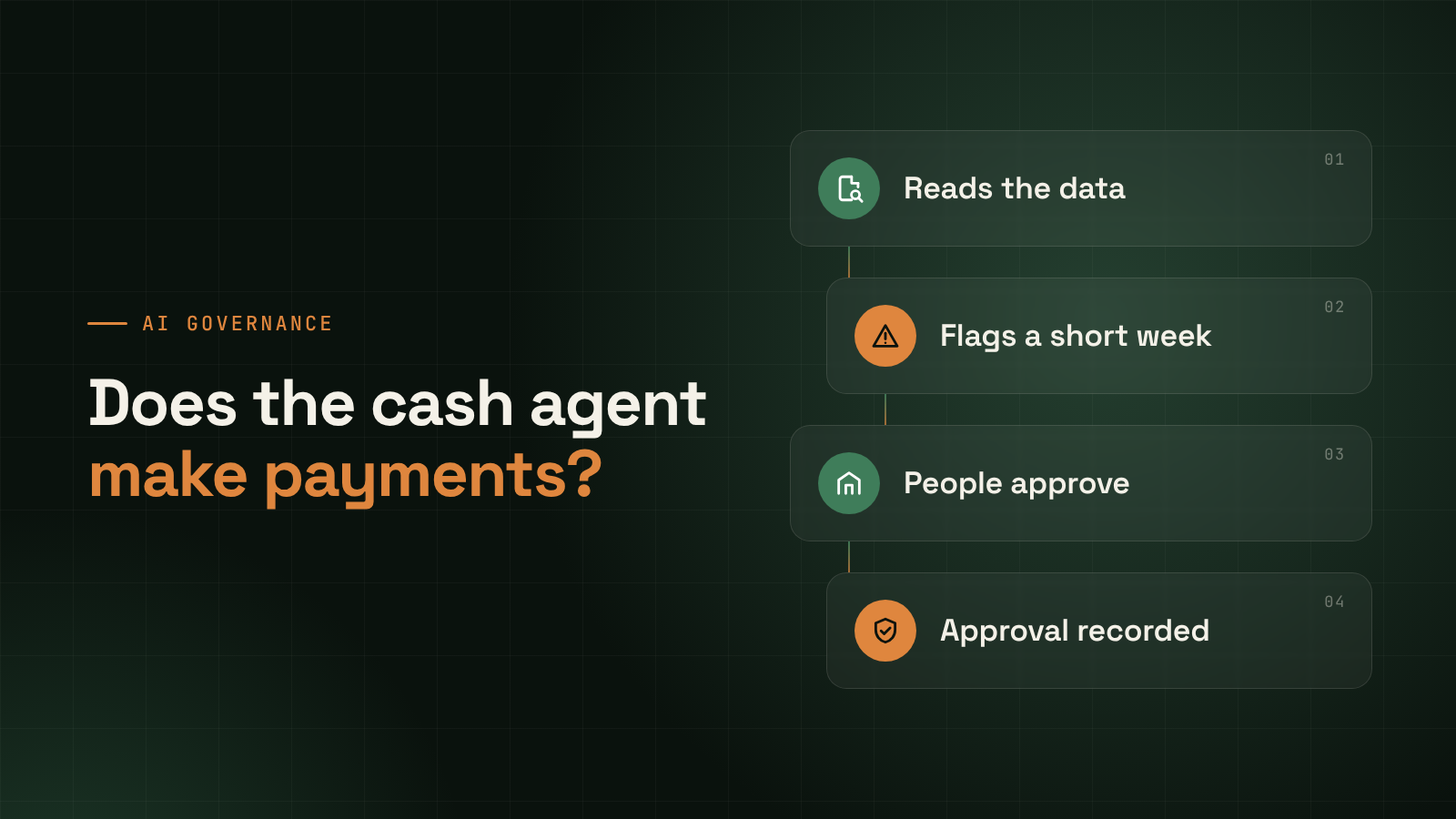
Payment runs are assembled, sequenced and staged for your controller. Your team releases them in your bank and your SAP, and the agent cannot move money.
- Position
Decisions on this morning’s numbers. The brief is built each morning from SAP, the bank feed and the tax return matching from the Reconciliation agent, so every payment, chase and hold is decided on today’s number, not last week’s.
- Record
Every action on the record. Every draft, approval, release and override is logged with who and why. Your auditor can walk the trail from the brief to the payment.
- Access
Access your IT team controls. Agents run in the Corpogents cloud and connect to your SAP through a user your IT team creates and can revoke, with only the permissions you grant. We never train models on your data.
06Integrations
Works with SAP Business One and SAP S/4HANA
There is no new platform. The brief arrives in the inbox your controller already reads, and the drafted actions are staged where your team already approves.
- ERP
- SAP Business One (HANA or SQL Server) and SAP S/4HANA.
- Tax data
- Tax return records from the tax authority, matched to the purchase register by the Reconciliation agent under the GST and VAT rules for the countries you operate in, flow into the brief. Statutory due dates sit in your calendar.
- Bank
- Bank balances to this morning, from the statement feed or the file your bank already provides.
- Brief delivery
- Email to the controller and the CFO before the day starts, with the drafted actions attached.
- Approvals
- Approval bands by amount for the payment run, matching your delegation of authority.
- Collections and payables
- The brief is strongest with the Accounts Receivable and Accounts Payable agents feeding it: promises to pay and approved supplier invoices arrive the same day. On SAP alone it reads open receivables and payables, without promise dates.
07What changes
What changes for working capital in the first weeks
- The daily cash position is known before the day starts, and it is never stale.
- Statutory payments sit in the same view as receipts and payables, so a tax date never surprises the week.
- Early-payment discounts are visible before they expire, not after.
- Input tax at risk is flagged the day the tax return data lands, not in filing week.
- The forecast separates promise-backed receipts from estimates, so a tight week is seen early.
- Your CFO drills from net cash to the invoice behind it, on one screen.
08FAQ
Cash flow management, answered
What does the cash flow agent actually do each morning?
It reads the three flows that decide your position, receivables, payables and recoverable input tax, writes your daily cash position in plain language, and drafts the collection and payment actions a controller would take, with this week’s payment run ranked. Your team approves each one.
Is the Cash Flow agent separate from the receivables and payables agents?
Yes. It is its own agent with its own brief, and it reads from the others: receivables and promises from the Accounts Receivable agent, supplier invoices from the Accounts Payable agent and tax return matching from the Reconciliation agent. On SAP alone it still reads open receivables, payables and your bank balances, without promise dates.
Where does the data come from? Does it connect to our bank?
From SAP over a read-only connection: open receivables, payables and due dates. Bank balances to this morning come from your statement feed or the file your bank already provides, read only. Promise dates come from the Accounts Receivable agent and tax return matching from the Reconciliation agent. No exports, no retyping, no parallel database.
What is in the morning brief?
Opening position, expected in from receivable promises, due out to vendors and statutory payments, and the net position after commitments, written the way a controller would say it. Delivered before the day starts, with the drafted actions attached.
Does the agent chase customers automatically?
No. It flags the promises at risk, and your collections team or the accounts receivable automation agent runs the chase. That agent drafts every reminder on your policy for a person to release and reads the replies, and its promises flow straight into the cash view.
Can the agent make payments?
Never. It assembles the payment run, sequences it against your position and flags expiring discounts. Your team reviews and releases every payment in your bank and your SAP, and every approval is on the record.
How does input tax credit fit into cash?
Input tax credit is cash you have already paid. When a vendor does not file, the credit on their invoices is blocked and your tax outflow rises that month. The Reconciliation agent matches the tax return records from the tax authority to the purchase register, and the vendors and the amount at risk flow into your brief, with the nudges drafted.
How does AI cash flow forecasting work?
It starts from what is already committed: open receivables with their promise dates, payables with their due dates, and statutory payments. Each expected receipt is weighted by how that customer has kept past promises, so the forecast for the weeks ahead separates promise-backed cash from estimates and gets sharper as promises are kept or broken.
How far ahead does the cash flow forecast look?
The brief covers today and the weeks ahead, with receipts split into promise-backed and estimated. The horizon and the buckets are set with you during Map, once we have seen how your receipts actually behave, rather than promised as a standard template up front.
How long does it take to go live?
The agent already exists, so deployment is configuration and testing rather than a build: your SAP connection, your account segments, approval bands and statutory calendar. Timing depends mostly on how quickly SAP access is set up. You get a dated plan at the end of Map, and your team reads the brief alongside their own numbers before any action is staged.
NextBook a demo
See a morning brief built from a ledger like yours
In the demo we show you the brief the agent writes from a sample ledger, the three kinds of drafted action and the approval trail, and talk through how your position gets built today, your SAP setup and who releases what. You’ll leave knowing whether cash is the right place to start.
Free · 30 minutes. No data needed from you for the demo.
Related guides