Table of Contents
Key takeaways
- SAP Business One ships a cash flow report that is better than most finance teams realize and narrower than they assume.
- It runs on open, unreconciled transactions and their due dates, grouped by how certain each amount is.
- Goods received but not yet invoiced sit in an allocation cost account, not against the vendor, so they never appear as a payable.
- Due dates say when a customer promised to pay. Payment history says when they actually will. Only the second is useful past week three.
- The work worth automating is assembly and refresh. The arithmetic in a cash flow forecast was never the hard part.
To forecast cash flow from SAP Business One, open Financials > Financial Reports > Cash Flow, choose the date range and interval, and add the optional sources you need: recurring transactions, open journal vouchers, sales and purchase orders, and projected postings. The report groups items by how certain they are to become cash and places them by due date, so its accuracy depends on clean due dates and payment terms.
Imagine you run finance at a mid-market manufacturer in Leeds on SAP Business One. The month closed cleanly, the bank balance looks comfortable, and then in one week a large payment run, a tax deposit and a customer who quietly slipped from 45 days to 60 all land together. Nothing in SAP warned you they would collide. Forecasting cash flow from SAP Business One means turning the open receivables, payables, goods receipts and purchase commitments already in your database into a dated view of the bank balance for each of the coming weeks. SAP ships a report that does part of that job well. Knowing which part saves a lot of wasted effort.
What does the native SAP Business One cash flow report actually do?
It is a forecast report in the Financials module, under Financial Reports. SAP describes it as covering the balances of cash holdings and of accounts expecting future incoming or outgoing payments for a requested period. It runs on open, unreconciled transactions, uses each transaction’s due date, and groups amounts by time interval and by how certain the cash is. That last part is what most teams miss: it does not treat every future dollar as equally real.
| Security level | What sits here | How certain it is |
|---|---|---|
| 1 | Cash accounts, such as bank accounts | Money you already hold |
| 2 | Credit card vouchers and checks received | Instruments in hand, not yet cleared |
| 3 | Customer liabilities and vendor debts, such as A/R and A/P invoices | Booked obligations with a due date |
| 4 | Customer and vendor forecasts, such as open sales and purchase orders and drafts | Expected, not yet an obligation |
The selection criteria widen what it sees: recurring transactions, open journal vouchers, marketing documents that create no journal entry (sales orders and drafts), approved blanket agreements, and future transactions that exist nowhere in SAP, typed into an Include Projected Postings table. Turn those options on before anyone buys anything. Plenty of SAP Business One users have only ever run the report on defaults, concluded it was thin, and gone back to Excel.
Where does the native report stop short?
In five places, each mattering more as the horizon lengthens. None is a flaw. They mark the boundary between a report that lists dated documents and a forecast that predicts a bank balance.
It forecasts on due dates, not on behavior. A customer on 45-day terms appears at day 45 whether or not they have ever paid on day 45. If their last eleven payments landed on day 58, every receipt line is early, every month.
Goods received but not yet invoiced are invisible as a payable. A goods receipt PO debits stock and credits an allocation cost account. The vendor is credited only when the A/P invoice posts and debits that allocation account. Correct accounting, and also a committed outflow sitting outside the vendor debt line until a supplier gets around to invoicing you. On a ledger with a long goods receipt to invoice lag, that is real money hiding behind an inbox.
Line-level delivery dates on orders are not used. SAP has documented that where sales and purchase orders carry multiple rows with different delivery dates, the forecast ignores those row dates and uses the assigned payment terms instead. For a staggered delivery schedule, that puts cash in the wrong week.
Tax payments such as VAT, sales tax and payroll tax do not follow supplier terms. They fall on fixed dates and they cluster, which is what makes them dangerous in a weekly view.
It is a report, not a tracked position. Run it twice and you get two pictures with nothing connecting them. No saved snapshot means no variance to explain, and without variance a forecast never improves.
| What a weekly forecast needs | Where it lives in SAP Business One | What the native report does with it |
|---|---|---|
| Opening bank position | Cash and bank accounts | Included, security level 1 |
| Open customer and supplier invoices | A/R and A/P invoices, due date | Included at due date, gross of deductions |
| Goods received, not yet invoiced | Goods receipt PO, allocation cost account | Not a vendor debt yet, so absent from that line |
| Open orders and commitments | Sales orders, purchase orders, blanket agreements | Optional, and dated by payment terms rather than row delivery dates |
| Statutory tax outflows | Tax postings and returns | Only if entered manually as projected postings |
| How each customer actually pays | Payment history against closed invoices | Not used |
How do you forecast cash flow from SAP Business One, step by step?
Build it in six passes, from what SAP already knows to the assumptions only your team can supply. Each pass adds a row type rather than a refinement, so you can stop anywhere and still have something honest.
1. Fix the opening position. Balances of every bank, cash and card account at a single cutoff. If post-dated checks are common, decide once whether they count at deposit or at clearing.
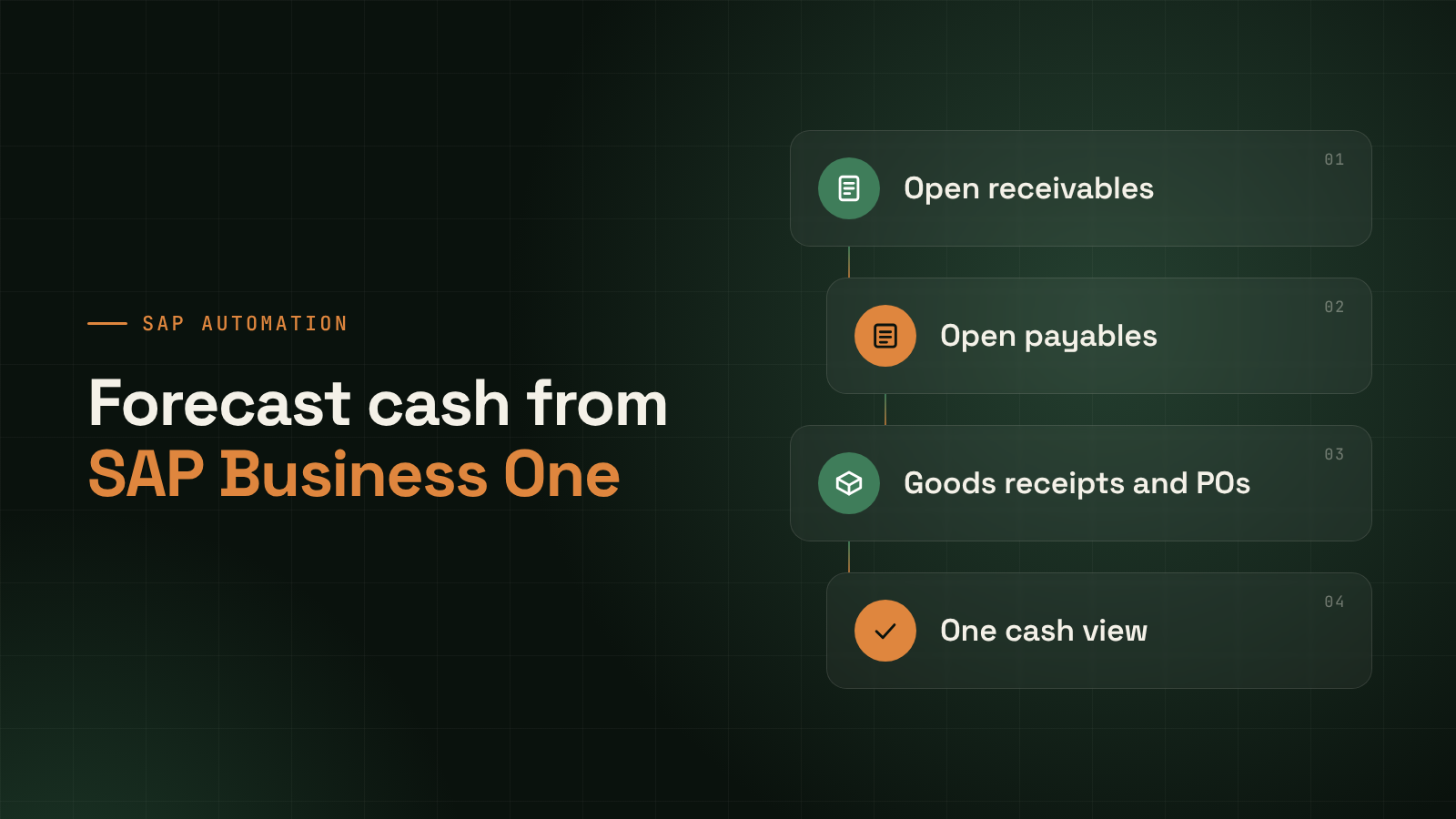
2. Lay in the booked obligations. Open A/R and A/P invoices at their due dates. This is the spine, and the native report gives it to you for free.
3. Add what has been received but not invoiced. Open goods receipt POs with no matching A/P invoice, dated by supplier terms counted from receipt. On a manufacturing ledger this is usually the largest single correction available.
4. Add commitments. Open purchase orders not yet delivered, approved requisitions and awarded quotes, on their own labeled line, so a reader sees how much outflow is contractual and how much is still reversible.
Tax deposits (VAT, sales tax, withholding) on their own dates, payroll on its own. None of these moves with supplier terms.
6. Reforecast receipts on behavior. Replace due dates with each customer’s observed payment rhythm, and carry their habitual deductions with it.
How do you forecast receipts from payment behavior instead of due dates?
Take every closed invoice for a customer over the last twelve to eighteen months, measure the gap between due date and the date cash cleared, and use the median rather than the average. Then do the same to the amount: what share of invoice value arrived after withholding tax, rate claims and short payments.
Two cautions. The median is right because one disputed invoice settled nine months late drags an average somewhere useless. And a customer with fewer than roughly a dozen settled invoices has no pattern worth trusting, so leave them on terms and label them that way.
This is arithmetic on data already in your database. Doing it once needs no new system. What it needs is someone doing it every week, for every customer, which is exactly the work that does not survive a busy month end.
How do you keep the forecast current without rebuilding it every Monday?
By making refresh a property of the forecast rather than a task on someone’s list. A model assembled on Friday from exports and circulated on Monday already describes a position that has moved.
The practical test: if a large receipt lands on Wednesday, does the forecast know on Wednesday, or at the next rebuild? In most mid-market finance functions the answer is the second, and that, more than any modeling weakness, is why the document gets distrusted.
Three things make a forecast continuous. It reads the ledger directly rather than an export. It recalculates when the underlying documents change. And it keeps the previous version, so the difference can be explained. The third is the one teams skip and the one that compounds: misses classified each week as timing, amount or an unmodeled item get corrected, and the forecast is measurably better within a quarter.
What does a cash flow agent add on top of SAP Business One?
It does the assembly and the refresh continuously, and it explains the variance. The cash flow agent reads open receivables and payables, goods receipts without invoices, open purchase orders and payment history straight from SAP Business One, forecasts each customer’s receipts from their own payment record rather than their terms, updates as documents post, and reports weekly what moved against what it previously projected.
That is a narrower claim than most vendors make, deliberately. The math in a 13-week model is not sophisticated and never was. What breaks is that the inputs are stale, incomplete and gathered by hand. Fix the inputs and the same math becomes useful.
What this doesn’t do
- It does not make or release payments. It shows that a week is short and what the options cost. Which supplier waits is a CFO’s call, and release stays a human act with an approver’s name against it.
- It does not forecast what has no history. A first order from a new customer, a litigation settlement, an owner capital injection: none has a pattern to learn from. These are entered by hand, as in a spreadsheet.
- It does not compute or file your taxes. It places statutory outflows on the calendar at the amounts your returns indicate. The liability and the filing stay with your team.
- It does not replace the native report. That report stays the right place to read dated open documents by security level. The agent adds the rows it cannot see and the continuity it does not have.
Frequently asked questions
Does SAP Business One have a cash flow forecast built in?
Yes. The cash flow report sits in the Financials module under Financial Reports and forecasts incoming and outgoing payments for a chosen period, grouped by time interval and by security level. It runs on open, unreconciled transactions using their due dates, and its selection criteria add recurring transactions, journal vouchers, sales orders, drafts and approved blanket agreements.
Why does my SAP Business One cash flow report not match the bank balance a month later?
Usually for three reasons rather than one. It dates customer receipts on due dates rather than on how those customers actually pay. It cannot show goods received but not yet invoiced as a vendor liability. And tax outflows are absent unless someone entered them as projected postings.
Can I forecast cash flow from SAP Business One without buying anything?
Yes, for the structural part. Opening balances, open invoices, goods receipts without invoices and open purchase orders are all queryable from the database, and a capable analyst can assemble a weekly model from them. The limit is repetition, not capability: it must be rebuilt every week, and that is the first thing dropped during a close.
Does it handle taxes such as VAT and withholding tax?
Statutory outflows are forecast on their own dates rather than blended into supplier terms, and customer receipts are forecast net of any withholding tax each customer habitually deducts, based on what they have actually withheld. It forecasts those amounts for cash planning. It does not compute your tax liability and it does not file returns.
Does it read SAP Business One directly, or do we upload files?
It reads the database directly: open receivables and payables, goods receipt POs, purchase orders and historical payment records. Items that exist nowhere in the ERP, such as a sanctioned facility or a planned capital outflow, are entered once and carried forward.
Will it replace our finance team?
No. It removes the assembly: the exports, the pivots, the Monday rebuild. What is left is the variance explanation and the decisions, the part of the job that was always short of time. The constraint in most mid-market finance functions is not analytical skill, it is that the analyst spends three days a month building the file.
Where to go next
The cash flow agent and what it reads from your ledger are set out on cash flow management software, the right next stop for the detail behind a daily cash position.
Three related reads:
- Why cash flow forecasts are wrong by week four sets out the drift mechanism in full.
- Bank reconciliation in SAP Business One: where it stops short treats the other native module most teams outgrow the same way.
- GRN invoice matching explains the goods receipt to invoice lag that keeps committed outflows out of the forecast in the first place.
A note on sourcing, checked October 23, 2026: the native cash flow report, its security levels and selection criteria, and the goods receipt PO posting behavior (stock debited, allocation cost account credited, vendor credited only at A/P invoice), come from SAP’s own documentation, training and course material, verified on the day of writing. The point about multi-row sales and purchase orders being dated by payment terms rather than row delivery dates comes from an SAP Knowledge Base Article on that behavior. No survey percentages are quoted: the forecasting-difficulty figures that exist come from treasury surveys of large corporates and do not describe mid-market finance teams. No tax due dates are stated, because they vary by country and could not be verified at an original government source that day. Everything else describes Corpogents’ own cash flow agent design and standard SAP Business One behavior; the opening scenario is hypothetical, not a customer.