Table of Contents
Reconciling GSTR-2B with your purchase register means checking every supplier invoice in your books against the static statement the GST portal generates for the month, so you claim input tax credit only on invoices that appear in both. This guide walks through the process step by step, explains how the GST portal’s Matching Offline Tool decides what counts as a match, and shows which differences put your credit at risk.
Key takeaways
- The GST portal’s own matching logic compares seven fields: GSTIN, document type, document number, document date, total taxable value, total tax, and tax head-wise. Anything you build should match on the same seven.
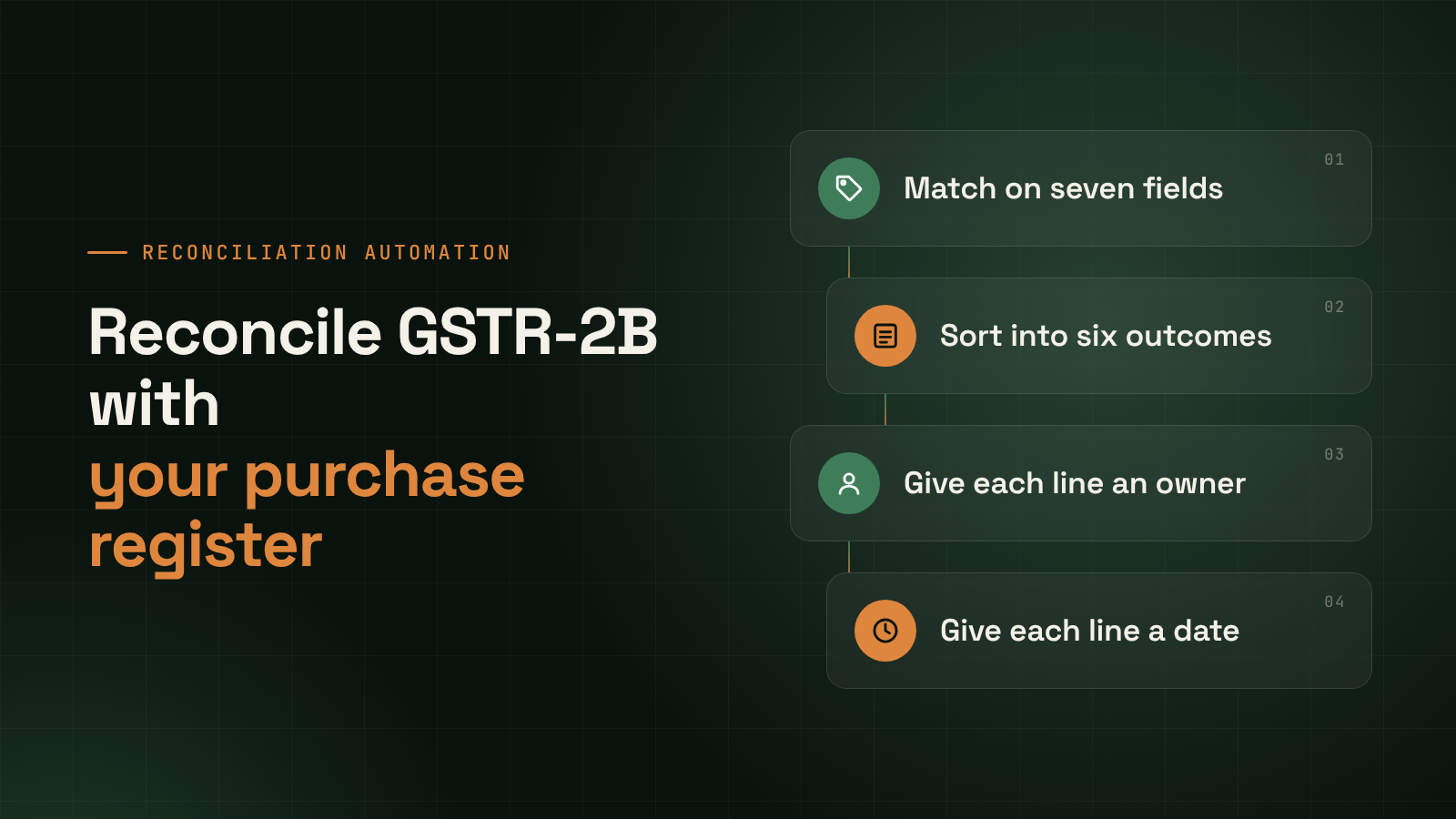
- A reconciliation produces six outcomes, not two. Exact match, partial match, probable match, unmatched, in GSTR-2B only, and in the purchase register only each need a different response.
- A difference found in the purchase register but not in GSTR-2B is the expensive one. It is the direction in which your input tax credit is at risk.
- Tolerance belongs on the tax amounts, not on the identifiers. The portal’s tool allows a tolerance of 0 to 10 on each individual tax head, and approximate matching on the document number.
- Matching is the easy half. The reconciliation is only finished when every unmatched line has a cause, an owner and a date, and that is the half spreadsheets never carry.
Every finance team that operates in India on SAP already knows how to reconcile GSTR-2B with the purchase register, in the sense that somebody does it every month. If you buy from, sell into or run an entity in India, this is that monthly job, and teams elsewhere face the same shape of problem under VAT and e-invoicing regimes. The JSON comes down on the 14th, it goes into a sheet next to a register export, and two people spend a day and a half turning amber cells green. The method works. What it does not do is tell you, in October, which of February’s differences will have quietly cost you credit by the end of November.
This is the practical version of the job: what to match on, what each result actually means, what to do with the lines that do not agree, and where the manual method stops being adequate.
If you need the definitions first, start with what GSTR-2B reconciliation is. This article assumes you already have the statement in hand.
How do you reconcile GSTR-2B with your purchase register?
Download the GSTR-2B JSON for the period, export the purchase register for the same period, match the two on GSTIN, document type, document number, document date, taxable value and tax amounts, then sort every record that does not match into a reason category and assign it an owner. Filing follows the reconciliation; it does not replace it.
The GST portal is explicit that this comparison is yours to do. Its own guidance advises taxpayers to reconcile the data generated in Form GSTR-2B with their own records and books of accounts, and to ensure that “no credit is availed twice for any document under any circumstances.”
What should you match on?
Seven fields. That is not our opinion: it is the parameter set the GST portal’s own Matching Offline Tool uses when it compares an auto-drafted GSTR-2B against an imported purchase register, and it is the sensible floor for anything you build in Excel or inside SAP.
| Field | Why it matters |
|---|---|
| Supplier GSTIN | The only identifier that ties a record to a filing taxpayer. A wrong GSTIN in your vendor master breaks matching at source. |
| Document type | Invoice, debit note and credit note behave differently in GSTR-3B. Matching across types hides reversals. |
| Document number | Where real registers diverge most: branch codes, slashes, leading zeros, inconsistent spacing. |
| Document date | Separates a genuine absence from a timing difference across the cut-off. |
| Total taxable value | Catches quantity, rate and discount differences before tax is applied. |
| Total tax amount | IGST plus CGST plus SGST plus cess, taken together. |
| Tax amount head-wise | Catches the place-of-supply error that a matching total conceals. |
That last pair is worth separating deliberately. An invoice booked as CGST plus SGST where the supplier filed IGST can show an identical total tax and still be wrong, and the head-wise comparison is the only one that surfaces it.
What do the match results actually mean?
The Matching Offline Tool sorts every invoice into one of six result categories; exact matches and matches within tolerance need no action, and the rest need a decision from you or your supplier.
The portal’s tool returns six outcomes, and each carries a different instruction. Three of them are near-matches that a person can clear in seconds once the difference is named. Two are one-sided records. Only the first needs nothing at all.
| Result | What it means | What to do |
|---|---|---|
| Exact match | All seven parameters agree | Nothing. Clear it. |
| Partial match | GSTIN and document type agree; one of the remaining five differs | Identify the single differing field and correct whichever side is wrong |
| Probable match | Six of seven agree, with the mismatch in GSTIN or document type | Almost always a master-data error on your side: check the vendor record |
| Unmatched | Identifiers agree but value or tax differs beyond the tolerance set | Price, quantity, rate or place-of-supply difference. Raise it with the supplier |
| In GSTR-2B, not in the purchase register | The supplier filed it; you have not booked it | Find the missing invoice. Unbooked purchase, or booked to the wrong period |
| In the purchase register, not in GSTR-2B | You booked it; the supplier has not reported it | The expensive one. Chase the supplier, and track it by age |
Two honest notes. The portal’s definitions of “partial match” and “unmatched” overlap at the edges, a tax-amount difference can satisfy either, depending on the tolerance set, so treat the labels as a sorting convenience, not a legal classification. And the tolerance itself, settable from 0 to 10, applies to each individual tax head rather than the consolidated total, with approximate matching available on the document number. Set both deliberately: a wide tolerance produces a flattering match rate and a quiet pile of small differences.
Which direction of difference costs you money?
Records in your register that are not in GSTR-2B. Credit flows from what the supplier filed, so a line that exists only in your books has not met a condition for claiming credit: it is not merely a reporting difference. The reverse case, in GSTR-2B but not in your books, is a bookkeeping gap.
That asymmetry should shape how you report the month. A single match-rate percentage treats both directions as equal, and they are not. The number that belongs in front of a CFO is the value of credit claimed against documents the supplier has not reported, broken down by age, because section 16(4) of the CGST Act closes credit on an invoice or debit note after the thirtieth day of November following the end of the financial year, or the filing of the annual return, whichever comes first. A difference discovered in November is a difference you can no longer act on.
Where does the manual method stop working?
At three points, all about volume rather than difficulty. A few hundred lines reconcile comfortably in a sheet; several thousand across multiple GSTINs do not. The failure is not that the matching is wrong: it is that nothing carries forward.
- Numbering variation. Exact-match formulas fail on real supplier numbering. Teams work around this by eyeballing the residue, which is exactly the step that does not scale.
- No memory between months. Last month’s unmatched list is in last month’s file. Nobody is tracking which differences have now been open for four months, which is the only view that matters for section 16(4).
- No ownership. A cell highlighted amber is not an action. The difference between a comparison and a reconciliation is that the latter has a name and a date against every open line.
What does automating the matching step actually change?
It changes the residue, not the arithmetic. The reconciliation agent runs the same seven-field comparison against your purchase register inside SAP, tolerates the numbering variation that breaks exact-match formulas, and carries the unmatched population forward month on month with an age against each line, so the question “what is still open from June?” has an answer in October.
An invoice that is in your purchase register but missing from GSTR-2B is the one that puts credit at risk, because credit is allowed only when the supplier’s details appear in GSTR-2B (section 16(2)(aa) of the CGST Act) and must be claimed within the time limit in section 16(4). An invoice that appears in GSTR-2B but not in your register is the opposite risk: credit you are entitled to, but have not recorded.
What this doesn’t do
The boundary here is tighter than elsewhere, because the subject is a statutory filing.
- It does not file anything. It does not prepare, sign or submit GSTR-3B, and it does not act for you on the GST portal.
- It does not take IMS decisions for you. Accept, reject and pending are consequences with a named owner. The agent proposes a treatment and attaches its reasoning.
- It does not decide eligibility. Blocked credits, apportionment and the self-assessment the portal explicitly leaves to the taxpayer stay judgment calls.
- It does not clean your vendor master. Wrong or missing GSTINs break matching before any logic runs, and that work is yours.
- It does not make a non-filing supplier file. It makes the exposure visible early enough for the call to be worth making.
How does this compare outside India?
The seven-field match is built for India’s GST, but the logic carries over. Anywhere that input tax is recovered against supplier invoices, the sensible comparison is on the tax identifier, document type, number, date, value and tax, with tolerance on the amounts and not on the identifiers. In the EU and the UK, purchase ledgers are commonly checked against supplier statements and invoices before VAT returns are filed, and e-invoicing mandates are spreading in several countries, which makes structured supplier data easier to compare against your own.
What does not travel is the portal itself. GSTR-2B as a downloadable JSON, the Matching Offline Tool, its six result categories and the 0 to 10 tolerance are Indian tools. A team in another country will not find an equivalent statement ready to download, and may be matching against supplier statements or an e-invoicing platform instead. If you are building a process for several jurisdictions, copy the structure, not the specifics: the same fields, the same sort into result categories, the same rule that every one-sided record gets a cause, an owner and a date. Check each jurisdiction’s own rules with local advisors.
Frequently asked questions
How often should we reconcile GSTR-2B against the purchase register?
Monthly, aligned to the statement rather than your close. GSTR-2B is generated on the 14th of the month following the tax period, which gives a natural cut-off. Quarterly reconciliation technically satisfies the filing, but it pushes the discovery of one-sided records three months later, and the clock on those runs to November regardless of when you look.
Can we reconcile directly in Excel instead of buying anything?
Yes, and plenty of teams should. Below roughly a few hundred lines a month on a single GSTIN, a sheet and a disciplined owner beats software. The case for automating starts when the residue stops being clearable in a sitting, or when nobody can tell you what is still open from four months ago.
What tolerance should we set on tax amounts?
Narrow, and on each tax head rather than the total. The portal’s own tool allows 0 to 10 per head. Rounding differences of a rupee or two (a few cents) are genuine and worth absorbing; anything larger is a rate, place-of-supply or value difference that you want to see rather than to clear automatically.
Does the reconciliation post anything into SAP?
Only where you have configured a rule that allows it. A clean match inside your tolerance can be posted with a record of what it matched against and which rule cleared it. Anything outside tolerance stops and goes to a person, with the reasoning attached rather than a bare flag.
Our suppliers number invoices inconsistently: will matching cope?
That is usually where exact-match logic fails and where fuzzy matching earns its place. Branch prefixes, slashes and leading zeros are normal in purchase registers everywhere. Expect a proposed match with its reasoning shown, so a reviewer can accept or reject it, rather than a silent automatic link.
Does this replace our GST consultant?
No. It changes what you hand them. Instead of a register and a statement, they get a short exception list with causes and ages attached, which is where their judgment is actually worth paying for.
What is the difference between GSTR-2B and GSTR-2A?
GSTR-2B is a static monthly statement fixed once it is generated, while GSTR-2A is dynamic and updates as suppliers file or amend returns. Use GSTR-2B for the credit you claim in a given month. Confirm the current position against the GST portal’s help pages before publishing.
Does this method work outside India?
The seven-field logic and the habit of sorting results into categories carry over to other input-tax regimes, but the GSTR-2B download and the portal’s matching tool are Indian. Elsewhere you may be matching against supplier statements or e-invoicing data. Check your own jurisdiction.
Where to go next
The natural next step is ledger and tax reconciliation: how matching, tolerance bands and exception handling work against your own ledgers inside SAP.
Three related reads:
- GST reconciliation: the complete guide for Indian finance teams: the wider picture this article sits inside.
- What is GSTR-2B reconciliation?: the statement itself, what IMS changed, and what an open mismatch costs.
- GRN invoice matching: the matching discipline upstream, where the invoice first meets the receipt.