Table of Contents
OCR turns an invoice image into text; AI invoice capture goes further and works out what each field means. This guide explains the difference, why template-based capture breaks on the long tail of suppliers, and how to test any vendor on your own invoices.
Key Takeaways
- OCR converts an image into text. AI invoice processing decides what that text means and whether your ERP can act on it. They are different jobs, and most products that say “AI” are doing the first one with a classifier bolted on.
- Template-based capture is configured per supplier layout. It works beautifully on the twenty suppliers you set up and fails on the three hundred you did not, which is where the manual effort actually sits.
- The long tail is not an edge case in mid-market businesses. It is usually the majority of documents and the overwhelming majority of the AP team’s time.
- Published accuracy percentages are close to meaningless, because the vendor chose the test set. Ask instead what the system does when it is unsure.
- The honest test is a pilot on your own invoice mix, measured per field, with the twenty largest suppliers excluded.
A finance leader evaluating invoice automation is usually looking at two products that describe themselves in almost identical language. One is a capture engine with per-supplier templates and a rules layer. The other reads documents with a model and resolves what it reads against your master data. Both brochures say “AI-powered”; both demos run flawlessly.
So what is the difference between OCR and AI invoice processing, in terms that matter to the person signing off on it? OCR gives you text off a page. AI invoice processing gives you a posting proposal your ERP can act on, and the distance between those two outputs decides whether your AP team’s workload actually falls.
What is the difference between OCR and AI invoice processing?
OCR converts the pixels of an invoice into characters, while AI invoice processing uses that text to identify fields, match line items to your master data and PO, and score its own confidence. Many vendors use “OCR” to mean the whole template-and-rules approach.
OCR (optical character recognition) turns pixels into characters. It reads what is printed on the page and nothing more. AI invoice processing uses OCR as its first step, then does the work OCR cannot: identifying which string is the invoice number, resolving the supplier’s item description to your material master, checking the result against the purchase order, and scoring its own confidence.
Put differently: OCR is a reading problem, already largely solved. Invoice processing is an interpretation and resolution problem, and that is where products diverge sharply.
The confusion persists because the industry uses “OCR” to mean two things: sometimes the character-recognition layer, more often the whole template-and-rules approach to capture. The second is what we mean by it below.
How does template-based capture actually work?
You configure the system per supplier. For Supplier A’s invoice layout, you mark where the invoice number sits, where the date sits, where the line-item table starts. The system then applies that map to every future document from that supplier. When it works, it is fast, cheap and completely predictable.
The configuration is the product. Each template is a small project: collect samples, define the zones, test, correct, publish. For your twenty highest-volume suppliers that pays back quickly: high document count against a one-off setup cost.
The trouble starts at supplier twenty-one, where the payback shrinks and templates stop getting built. Nothing in the system tells you it has stopped covering most of your supplier base. It simply routes those documents to a person, quietly, forever.
Why does the long tail break templates?
Because the long tail is made of exactly the suppliers whose documents are least standardized, least frequent and least worth templating. A supplier who sends you four invoices a year on a format they produced in Word is not getting a template built. They are getting typed in by hand, the way they always were.
In a typical mid-market manufacturer, the shape of the supplier base looks something like this, and the key point is not the exact proportions but the direction of the mismatch:
| Top suppliers | The long tail | |
|---|---|---|
| Share of suppliers | Small | Large |
| Share of invoice value | Large | Small |
| Share of invoice count | Moderate | Often the majority |
| Document consistency | High: ERP-generated, stable layout | Low: Word, Excel, scans, handwritten annotations |
| Template economics | Clearly worth it | Clearly not |
| Where AP time goes | Little | Most of it |
That bottom row is the whole argument. Automation measured on invoice value looks like a triumph once the top suppliers are templated. Measured on effort, almost nothing has changed, because effort follows document count and variety, not currency value.
Templates also decay. A supplier changes invoicing software, moves the tax registration number from header to footer, or adds a line to the address block; the zones shift, extraction silently returns the wrong field, and someone finds out in reconciliation. That maintenance cost rarely appears in the business case.
How does model-based capture handle the same documents?
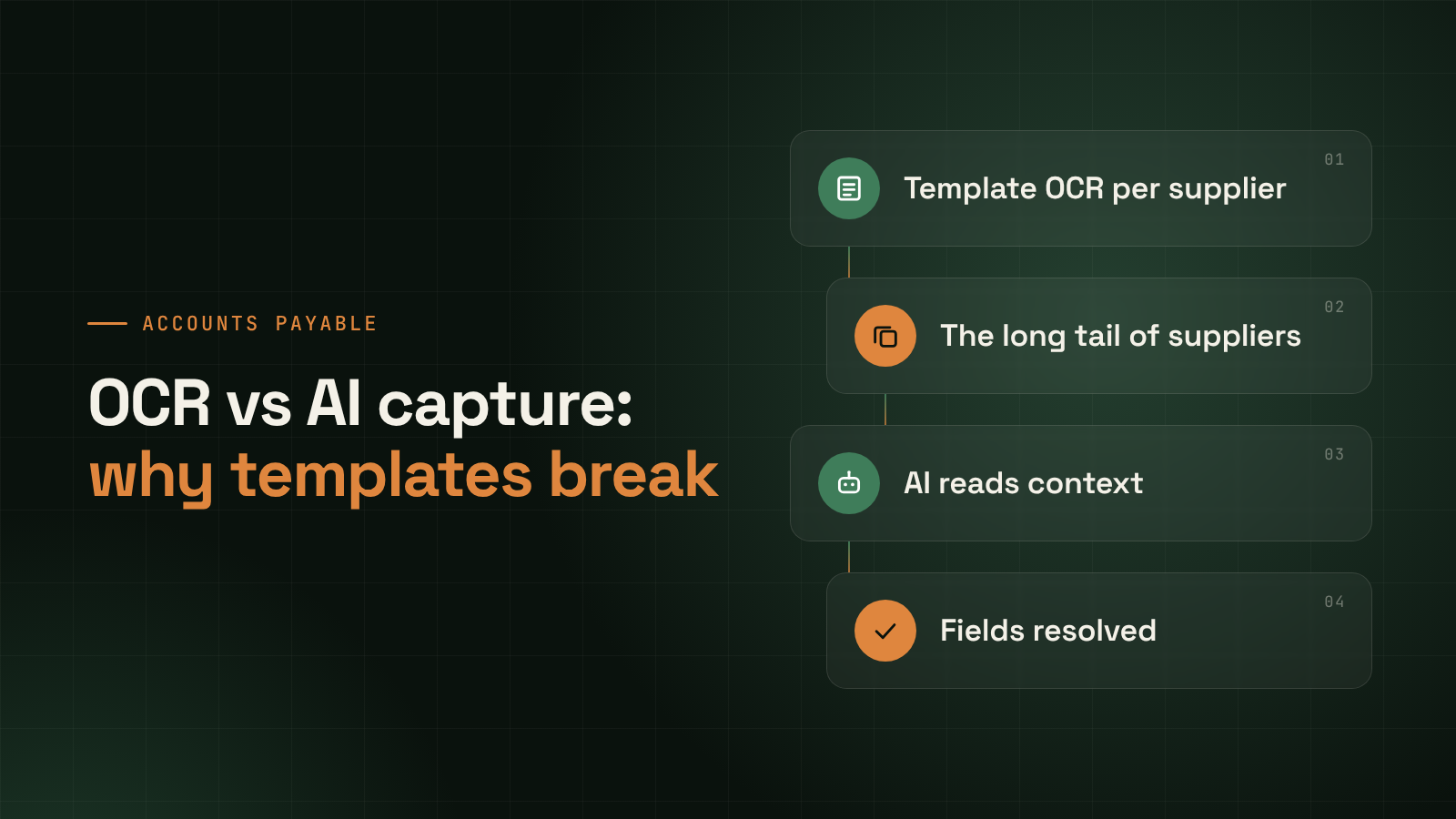
It reads by context rather than coordinates. An invoice number is recognized as a short alphanumeric string, usually near a date, usually preceded by one of several dozen variants of the word “invoice”: a definition that holds whether the field is top-right, bottom-left or inside a box. No per-supplier setup, which means the three-hundredth supplier is treated no differently from the first.
That is the genuine advantage, stated without inflation: no teaching per layout, no breakage when a letterhead changes, graceful degradation on a poor scan rather than outright failure.
What it does not remove is the second problem. Reading “MS Plate 10mm IS2062 Gr.B, 2.4 MT” correctly off the page is not the same as knowing this is item RM-PLT-10-2062B in your master, that your PO is in kilograms, and that 2.4 MT is 2,400 KG against an open quantity of 2,500. Resolution needs your ERP data, not a better reader. A product that only reads documents hands you a tidy extraction that still needs a human to map every line.
OCR versus AI invoice processing: a side-by-side
| Template-based OCR capture | Model-based AI invoice processing | |
|---|---|---|
| Setup per supplier | Required | Not required |
| New supplier, first invoice | Falls to manual entry until templated | Processed on arrival |
| Letterhead or layout change | Extraction breaks, often silently | Usually unaffected |
| Poor scans, rotation, skew | Brittle | Degrades gradually |
| Line-item tables across pages | Weak | Better, still imperfect |
| Resolving items to your master data | Not attempted: returns text | Attempted, with confidence scoring |
| Tax ID, tax code, withholding and e-invoice handling | Only if explicitly configured | Only if built for your jurisdictions: not automatic |
| Ongoing cost | Template maintenance | Exception review and master data hygiene |
| Where it fits best | Narrow, stable, high-volume supplier set | Fragmented supplier base with a real long tail |
One row deserves emphasis. Local tax handling is not a consequence of using a model. A capture engine trained mostly on invoices from one region has no concept of another region’s tax ID formats, place-of-supply rules, withholding obligations or e-invoice identifiers. It will read those fields as strings and validate none of them. That gap is a product decision, and it is worth asking about directly, for every country where you or your suppliers operate.
A related point on e-invoicing: where a supplier is covered by a mandate, the invoice often carries data that a tax authority or network has already authenticated, so the header data is more reliable and the useful work is matching it to your PO. Where a supplier is outside any mandate, and in a long tail many are, you are reading a PDF they produced themselves, with no external validation at all. The capture problem and the long-tail problem are the same problem.
What accuracy number should you believe?
Treat headline accuracy figures with caution, because vendors choose their own test sets. Run a pilot on 200 to 300 recent invoices from your own inbox, exclude your top 20 suppliers, score each field separately, and record whether the system flagged its own uncertainty.
A headline accuracy figure is a statement about a test set the vendor selected. Run the same engine on your own supplier mix and you will get a different, almost always lower, number.
Accuracy also varies by field, and averaging hides that. Invoice number, date and total are comparatively easy: distinctive, well-labeled, in predictable company. Line-level item resolution against your material master is hard, and it is the part that decides whether a document can post. One blended percentage averages a product’s best work with its worst.
If you want a number you can trust, generate it yourself:
- Take a sample of 200 to 300 recent invoices from the live mailbox, not a curated set.
- Exclude your twenty largest suppliers. They are the ones every system handles. The test is the rest.
- Include the scans, the rotated pages, the Word-document invoices and the ones with handwritten annotations.
- Measure per field, not in aggregate: invoice number, date, supplier identity, tax ID, taxable value, tax amount, tax code, each line item, each quantity, each rate.
- Record not just whether the system was right, but whether it knew it might be wrong.
That last measure is the one that predicts how the deployment will feel. A system that is wrong and flags itself costs a few seconds. A system that is wrong and confident costs a reconciliation.
What this does not do
Worth stating plainly, because the comparison above can read as a sales pitch for one side.
Model-based capture is not always the right answer. If your supplier base is genuinely concentrated, a few dozen suppliers, ERP-generated documents, stable formats, templates are cheaper, faster and entirely adequate. The long-tail argument is an argument about your supplier distribution, not a universal claim.
It does not reach 100%, and nobody should promise it will. Expect a meaningful share of invoices to route to a person, higher in the first weeks and falling as the system sees more of your supplier base. Touchless processing from day one describes a demo.
Duplicate vendor records, four entries for the same plate, tax IDs missing from the vendor master: resolution accuracy falls and the exception queue grows. Automation makes master data quality visible rather than substituting for it.
It does not post under an authority it invented. The accounts payable agent posts through a service user with defined rights inside your ERP. If that user cannot post above a value, neither can the agent, and payment release stays a human act inside your existing approval matrix.
Capturing an invoice correctly is the start. Matching it to the PO and goods receipt, and agreeing your books to tax filings and supplier statements, are separate jobs with separate failure modes.
Frequently asked questions
Is AI invoice processing just better OCR?
No. OCR is one component: the layer that turns an image into text. AI invoice processing adds the steps that make the text usable: working out which string is which field, resolving the supplier’s descriptions to records in your ERP, validating tax treatment, and scoring confidence so that uncertain documents stop for review instead of posting silently.
Do we still need templates if we use an AI-based system?
Not per supplier, which is the point. You may still configure organization-level rules, tolerance bands, approval thresholds, which document types route where, but you should not be building and maintaining a layout map for each supplier. If a vendor’s onboarding plan involves collecting sample invoices per supplier, you are buying a template product under a newer name.
How accurate is AI invoice data extraction in practice?
It varies by field and by document quality, and any single headline figure should be treated skeptically because the vendor chose the test set. Header fields are consistently easier than line-level item resolution against your material master. The more useful question is what happens to the invoices the system gets wrong: whether it flags them with its reasoning, or posts them quietly.
Will it handle local tax and e-invoice fields?
Only if it was built to. Using a model does not give a system any knowledge of your local tax structure. Ask specifically whether it validates the supplier tax ID against your master and the place of supply, checks tax codes against applied rates, handles cross-border and reverse-charge treatment, applies withholding rules where they exist, and verifies the e-invoice identifier or file where the supplier is covered by a mandate.
Can it post the captured invoice straight into SAP?
It can, under a service user with defined posting rights and inside your existing approval limits. What it should not do is release payment: posting a document and authorizing money to leave the business are separate acts, and the second stays with a person.
How long before the exception rate settles down?
The exception rate is usually highest at the start and falls as vendor quirks and master data are cleaned up. Agree a measurement window and a per-field target with your vendor before the pilot begins.
Does this replace our AP team?
It changes what they spend the day on. Keying and matching shrink; exception handling, supplier queries, master data quality and controls do not. Headcount is your decision, not the software’s, but the realistic claim is redeployed effort, not removed headcount.
Can ChatGPT or a general-purpose LLM do invoice OCR?
A general-purpose model can read text from an invoice, but on its own it has no connection to your vendor master, purchase orders or approval rules, so it cannot validate, resolve items or route exceptions. Reading the document is one step; making it usable by your ERP is the rest.
Where to go next
For the commercial view, what a deployment looks like in an SAP environment, what it integrates with and what it costs, start with AI invoice processing.
Related reading:
- How AI invoice processing actually works, step by step: the four stages behind capture, including field resolution and confidence scoring.
- Three-way matching automation: closing the gap between PO, invoice and receipt: what happens after capture, and the exceptions rules engines leave behind.
- AI accounts payable agents: what actually changes in your invoice workflow: the end-to-end AP workflow and the steps that stay with your team.