AgentAccounts Payable agent · Finance and close
Accounts payable automation for SAP Business One
The agent reads every supplier invoice in whatever layout it arrives, matches it to the purchase order and goods receipt, and checks price, tax and duplicates against your rules. A named approver reviews each invoice with any warnings beside it, and only approved invoices are created in SAP, as drafts. Your AP team spends its time on the exceptions.
Free · 30 minutes. We run the agent on sample invoices like your suppliers’ and talk through your setup.
01In short
What is accounts payable automation?
Accounts payable automation (AP automation) is software that captures supplier invoices, reads and validates them, matches them to the purchase order and goods receipt, and enters the payable in the ERP, so people review exceptions instead of keying data. Corpogents runs it with an AI agent that works with your SAP, checks every invoice against your own controls, and sends each one to a named approver before a draft reaches SAP.
| Reads from | Supplier invoices by email, scans and PDFs, plus your PO and goods receipt in SAP |
|---|---|
| Works in | SAP Business One (HANA or SQL Server) and SAP S/4HANA |
| A person approves | Every invoice before a draft reaches SAP. Payment stays in your existing process. |
| Matching | Three-way for goods, two-way on amount for services |
Best of both worlds
Product speed. Custom fit.
You shouldn’t have to choose between a rigid software box and a year of custom build. The Accounts Payable agent is both.
Switch it on
A proven agent, ready to run. Deployment is configuration and testing, not a build.
Shape it to you
Your rules, approval limits and SAP setup are agreed in Map, and anything specific to your business is built around you, at product speed.
02The problem
Manual invoice entry costs you twice: in hours, and in what slips through
Supplier invoices arrive as scans, PDFs and email attachments. Someone keys each one into SAP, then checks it against the PO and the goods receipt by eye. At a few hundred invoices a month, that is a skilled finance team spending a large part of its week typing.
It is also where the expensive mistakes happen. A duplicate gets paid because the second copy came by email a week later. A unit price creeps above the PO and nobody compares line by line on a busy afternoon. Input tax goes unclaimed because the supplier’s tax ID was wrong and the error surfaced at filing time.
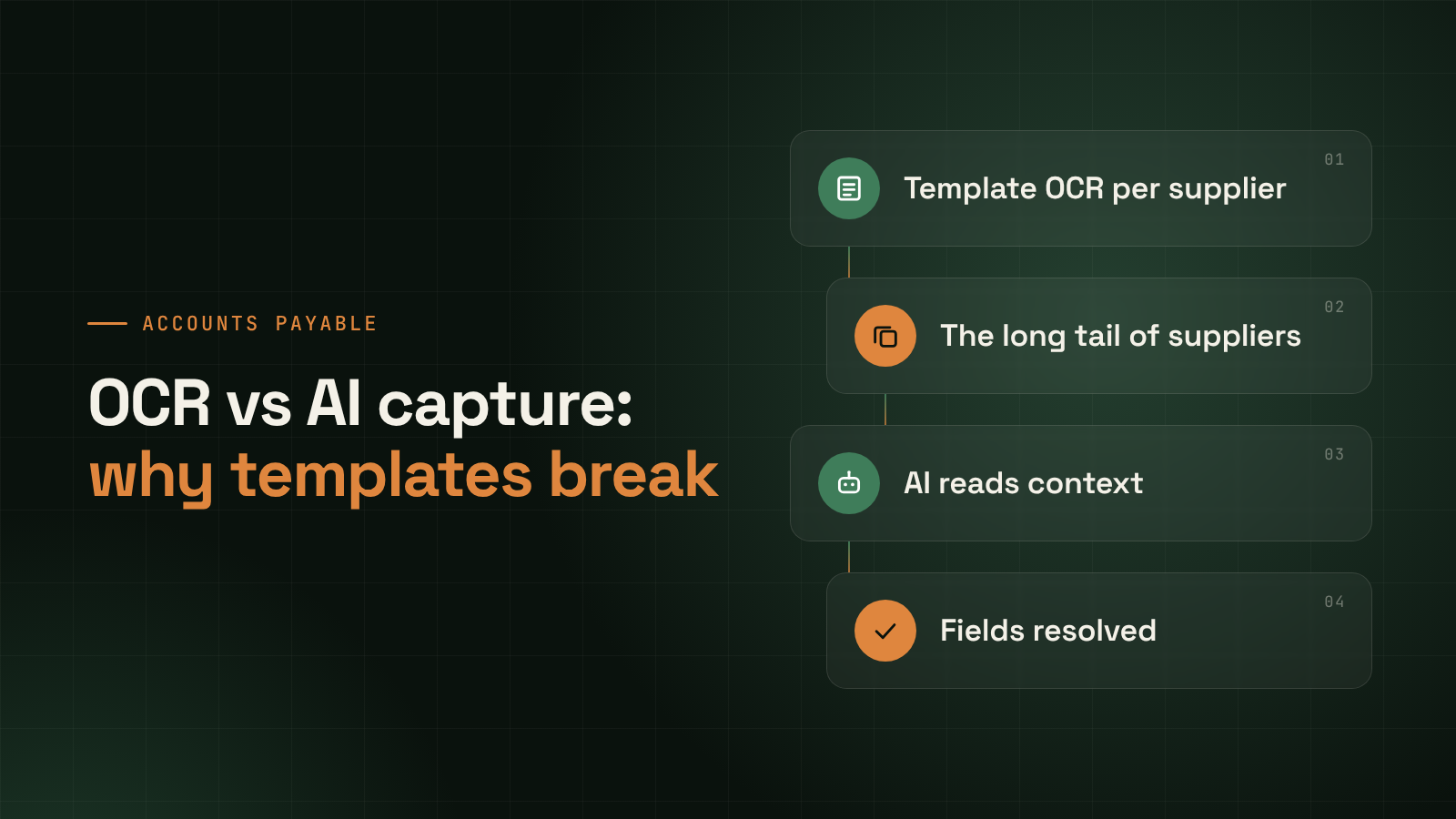
Template OCR doesn’t solve this. It breaks the day a supplier changes its invoice layout, and someone has to rebuild the template before the invoices can flow again.
- Read the headerSupplier found in the vendor master, tax ID valid, PO 4417 located
- Read 4 linesEach mapped to a PO line, an item and a tax code
- Held line 2: price above POBeyond tolerance. Reason recorded for your AP team
- Checked taxRate per line agrees with the PO and the vendor record
- Sent to the approver, 1 line heldNothing reaches SAP until a person approves
03How the agent works
From supplier invoice to approved payable, in five steps
The agent works through each invoice the way your best AP clerk would, and checks its own answer before it hands anything over.
- 01 · Captures and reads
Invoice data extraction from any layout
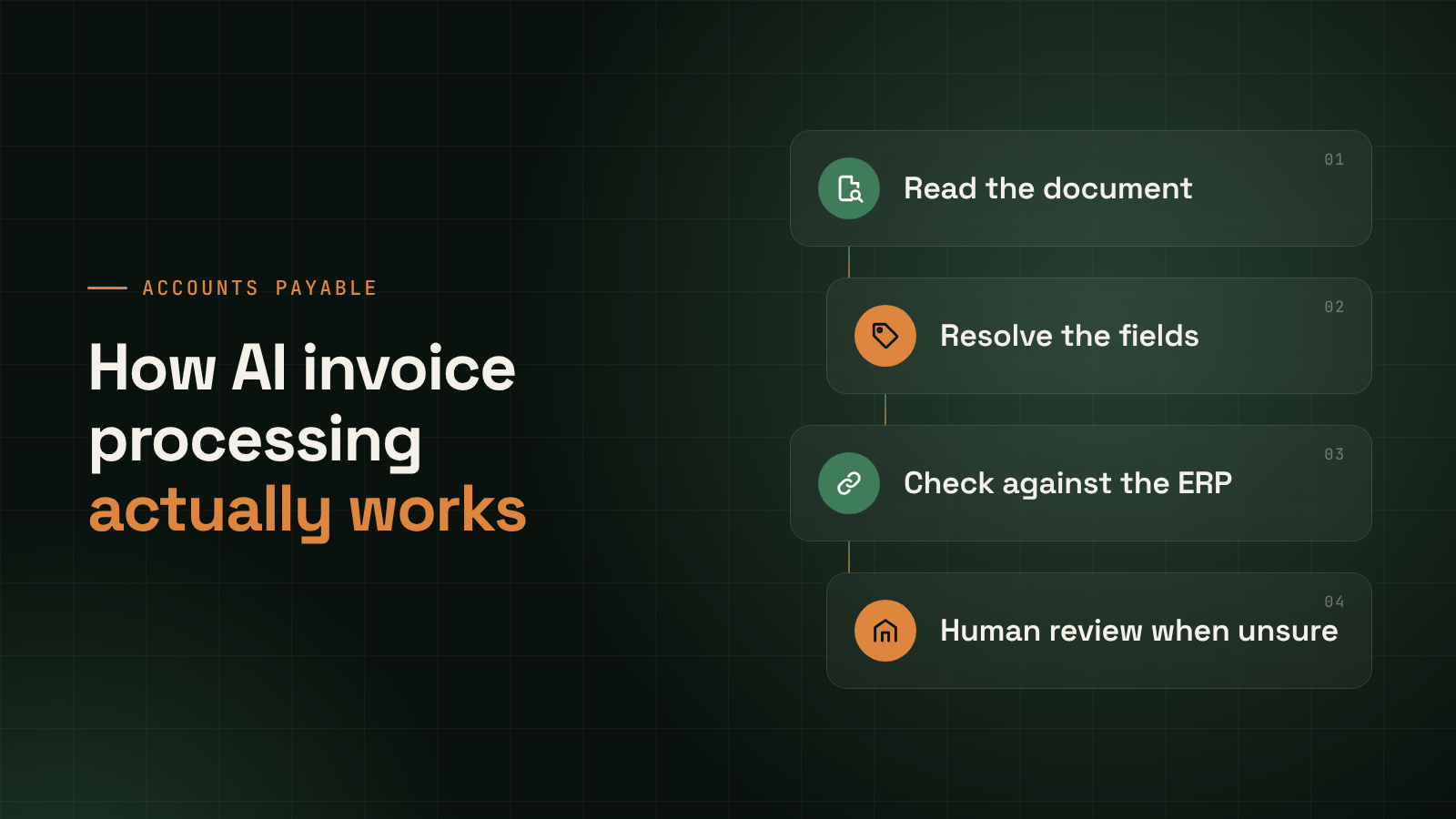
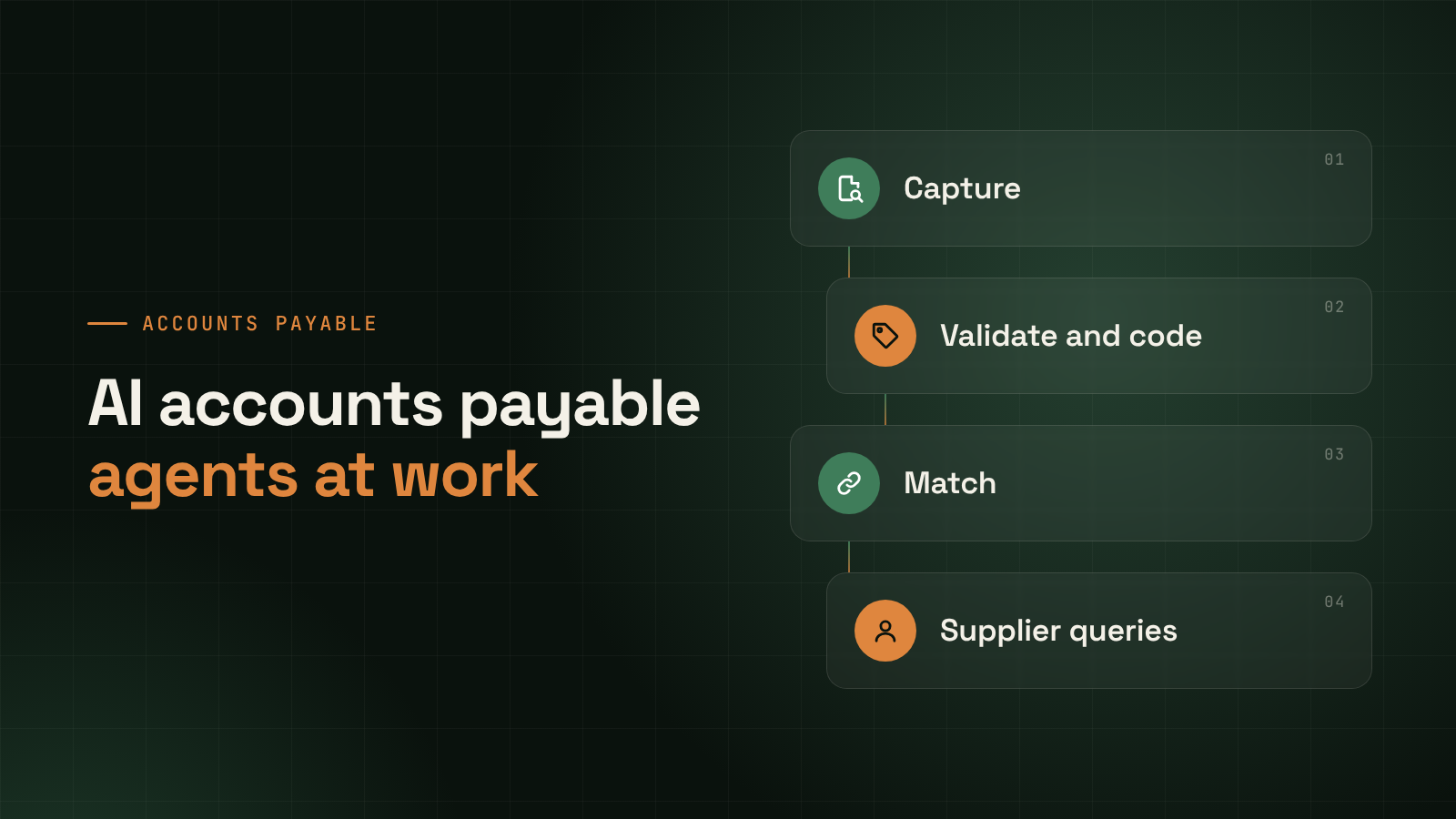
Invoices are picked up from your AP mailbox or uploaded in batches. The agent reads each one, including scans, multi-page documents and layouts it has never seen, and extracts the header, every line and the tax detail. Every field carries a confidence score: if the agent is unsure of a critical field, such as the amount or the tax ID, it asks a person to check it against the scan rather than guessing.
- 02 · Understands
Maps to your vendor master and tax codes
It identifies the supplier in your vendor master and maps each line to the right item or service, GL account, tax code and cost centre. Freight and similar charges are kept off the item lines, so they never trip a quantity check. Foreign-currency invoices are converted at the rate your policy names.
- 03 · Checks
Three-way matches PO and goods receipt
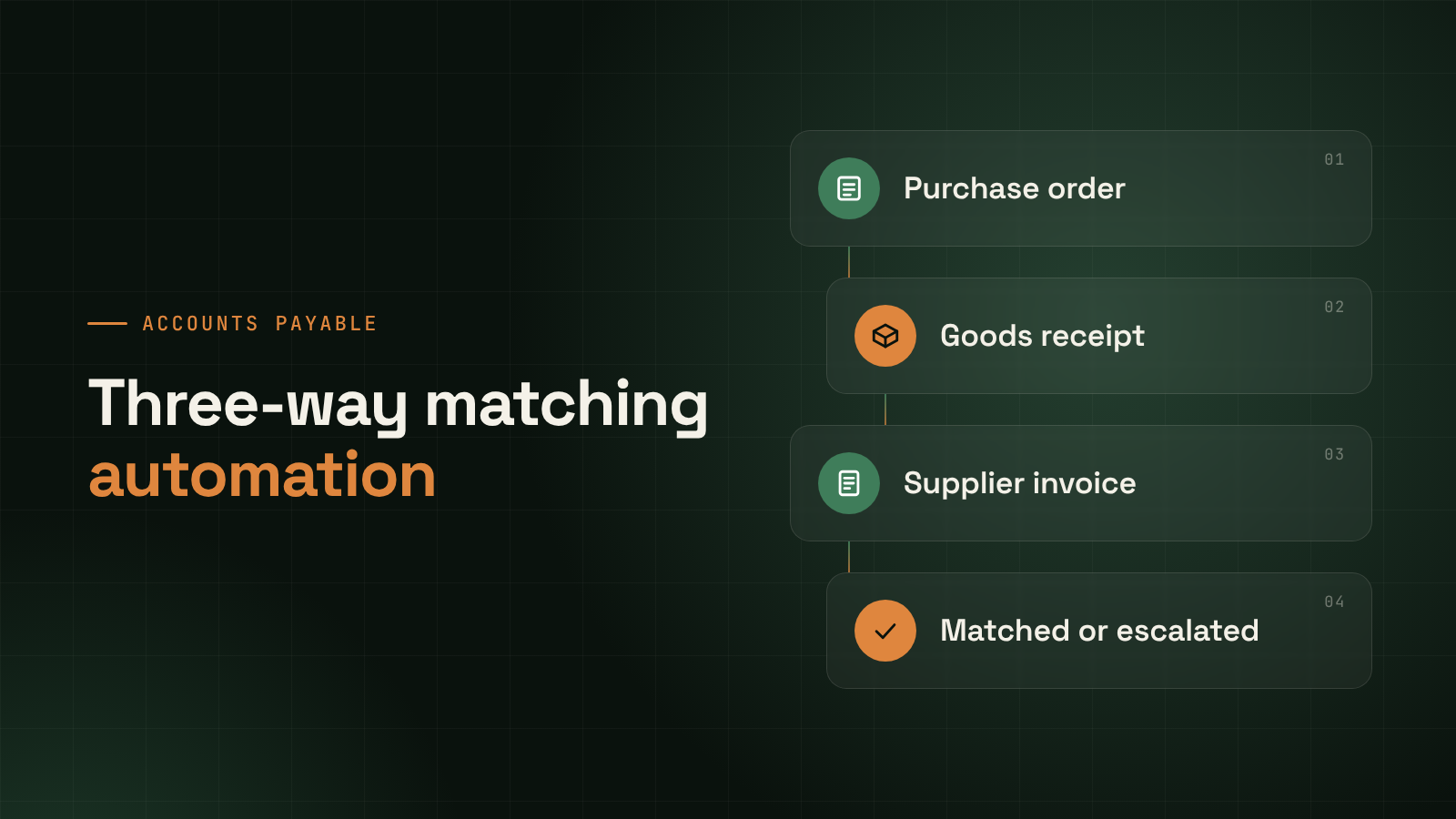
Goods invoices are matched three ways against the purchase order and goods receipt, line by line. Services invoices are matched two ways on amount, against the purchase order and your record that the service was accepted. Then it runs your controls: price and quantity tolerances, duplicate checks, tax ID and rate checks, and approval limits. Every failed check gives its reason in plain words, with the two values it compared and your tolerance.
- 04 · Routes
Sends approved payables to SAP as drafts
Clean invoices wait in an approval queue with every check already run. Exceptions show the reason, the documents side by side and the values that disagree. When the approver signs off, the agent creates a draft A/P invoice in SAP, linked to its goods receipt, and your team posts it in SAP as part of its normal routine.
- 05 · Remembers
Remembers how you code your suppliers
When your team corrects a suggestion, such as the GL account for a recurring freight line or the item a supplier’s wording refers to, the agent remembers it for your company once the invoice is approved. When you agree a price change with a supplier and update the tolerance, it applies that too. Next month it asks fewer questions.
Illustration: a morning’s invoices at a typical mid-size plant
Say a plant receives around 600 supplier invoices a month. The agent reads the overnight batch before the AP team arrives. Most match their PO and goods receipt cleanly and are already waiting in the approval queue with every check run. A few are held: one priced above the PO, one with no goods receipt posted yet, one that looks like a copy of an invoice already paid.
The team’s morning starts with those few, each with the reason and the documents on one screen. Then the approver signs off the clean batch, and it goes to SAP as drafts.
Illustration of how the workflow runs. Not a measured client result.
- 06:41:52Read invoice PDF from the AP mailboxSupplier, lines and tax detail extractedEmail
- 06:41:58Matched to PO 4410 and goods receipt 88213 of 3 lines agree on quantity and priceSAP B1
- 06:42:03Checked duplicates, tax ID and tax rateNo duplicate found · standard rate appliedSAP B1
- 06:42:05Queued for approvalEvery check passed · nothing in SAP yetAgent
- NowWaiting for the finance controllerApprove, edit or reject. The SAP draft is created only after approval.You
04Compared
The AP agent, template OCR and manual entry
| What matters | Corpogents AP agent | Template OCR | Manual entry |
|---|---|---|---|
| New supplier layout | Read on sight | A new template to build | Typed by hand |
| Matching to PO and receipt | Line by line, with the reason in plain words when it fails | Header totals, if configured | By eye, when there is time |
| Duplicates and price drift | Caught before the draft is staged, with the earlier invoice beside it | Partial | Often found after payment |
| Who signs off | A named approver in your team | Your team | Your team |
| Who runs and tunes it | We do, as a managed service | Your team or the vendor | Not applicable |
05Control
Nothing hits your books without a person
You decide how much the agent does on its own. On day one it reads and drafts, and that is all.
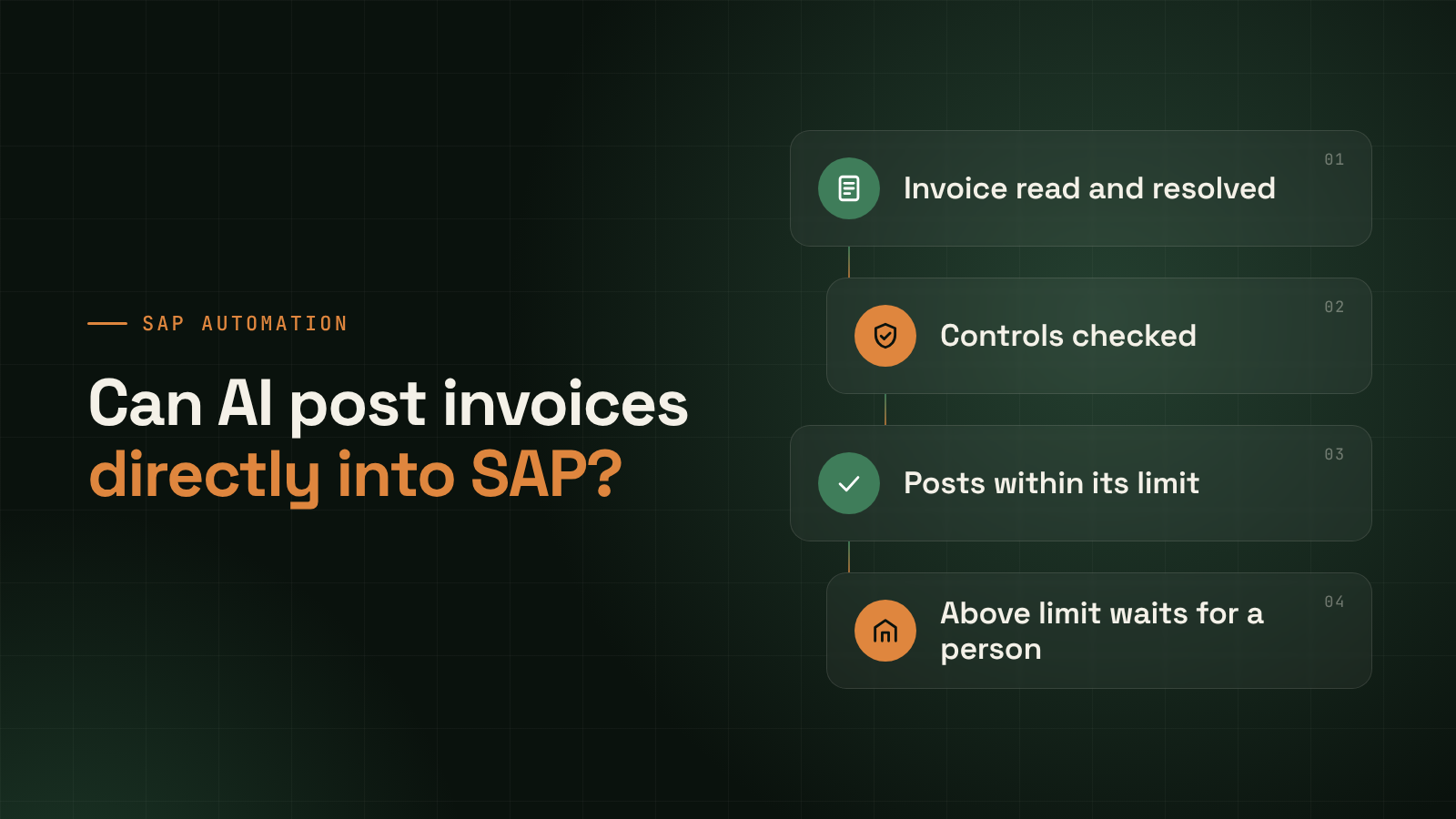
It sends approved payables to SAP as drafts. It never releases a payment.
Drafts, never postings
The agent prepares and checks each invoice. A named person approves it before a draft is created in SAP, your team posts it there, and payment stays inside the payment process you run today.
- Controls
Your controls, built from your checklist. Tolerances, approval limits by amount, tax checks and document rules come from your own audit checklist. You choose which checks only warn and which hold the invoice.
- Record
A reason on every exception. Every hold, rejection, correction and release records who, what, when and why, and every approval records the warnings the approver saw. Your auditor samples the log instead of rebuilding it from email.
- Access
Access your IT team controls. Agents run in the Corpogents cloud and connect to your SAP through a user your IT team creates and can revoke, with only the permissions you grant. We never train models on your data.
06Integrations
Works with the SAP and the inbox you already have
Invoices arrive where suppliers already send them, and approved invoices land in the SAP your team already posts in. In between, your approver works from one review screen: the invoice beside what the agent read, every check, and the reason for any warning.
- ERP
- SAP Business One (HANA or SQL Server) and SAP S/4HANA.
- Intake
- Your AP mailbox, plus batch upload for paper and courier invoices.
- Tax
- GST and VAT rules for the countries you operate in: tax ID and rate checks line by line, tax recomputed for each rate on the invoice, e-invoicing data checks, and standard, zero-rated, exempt and reverse-charge treatment, configured per country.
- Currency
- Invoices in foreign currency, converted at the rate and date your policy names.
- Landed cost
- Freight, customs and similar lines treated the way your costing treats them, and kept off the item lines so they never trip a quantity check.
- Approvals
- Approval levels by amount, matching your delegation of authority.
07What changes
What changes for your finance team
- Nobody re-keys an invoice, so the team’s hours go to exceptions, suppliers and the close.
- Duplicates and over-PO prices are caught before the invoice reaches SAP, not discovered after payment.
- Input tax is checked at entry, while there is still time to ask the supplier to correct an error.
- The payables close is quieter, because matching happened as invoices arrived.
- Audit questions are answered from the log, with the evidence already attached.
- Invoice volume can grow without the AP team having to grow at the same rate.
08FAQ
Accounts payable automation, answered
How is the agent different from invoice OCR software?
OCR copies text from fixed positions on a page, so it needs a template per supplier and fails when a layout changes. The agent reads an invoice the way a person does, using a large language model to understand layouts it hasn’t seen, then checks its reading against your PO, goods receipt and masters. Fields it is unsure of go to a person. When something doesn’t fit, it tells you why in plain words.
What is three-way matching in accounts payable?
Three-way matching checks a supplier invoice against the purchase order and the goods receipt before it is paid: you ordered it, at that price, and it arrived. The agent does this line by line, on quantity and price, within the tolerances you set, and states the reason whenever a line does not agree.
Does it handle services invoices as well as goods?
Yes. Goods invoices are matched three ways, against the purchase order and the goods receipt. Services invoices, such as maintenance, contract labour or professional fees, are matched two ways on amount, against the purchase order and your record that the service was accepted: a service entry in SAP, or an acceptance step we set up with you. Where withholding tax applies, the agent works out the expected deduction and flags it for your team.
Do we need purchase orders and goods receipts in SAP?
For three-way matching, yes. The agent compares each invoice with the PO and the goods receipt already in SAP. If the goods receipt is not posted yet, the invoice is flagged as waiting for it. Invoices without a PO, such as utilities or one-off services, are read and checked the same way and go to your approver without a match.
Can it automate vendor invoice entry into SAP?
Yes, that is the keying it removes. The agent reads each vendor invoice and maps it to your vendor, items, GL accounts and tax codes. Once your approver signs off, it creates the A/P invoice in SAP as a draft, linked to its goods receipt. Nobody types the invoice in, and nothing reaches SAP without approval.
Which ERPs does it work with?
We work with SAP Business One (HANA or SQL Server) and SAP S/4HANA today. If you run another ERP, tell us when you book.
Does it handle tax in my country?
The agent checks the supplier’s tax ID and the tax rate on every line, and recomputes the tax for each rate on the invoice, so goods and freight at different rates don’t raise false alarms. It applies the GST and VAT rules for the countries you operate in, including e-invoicing data checks and standard, zero-rated, exempt and reverse-charge treatment. Your rules are configured during Map.
Does anything get posted or paid without approval?
No. The agent prepares and checks each invoice, and a named person approves it before a draft is created in SAP. Your team posts the draft in SAP, and payments stay in your existing payment process. Every action, by the agent or by a person, is logged with the reason.
What does our AP team do once the agent is running?
They review exceptions, approve the clean batch, deal with suppliers and own the rules. Most of the keying and matching goes away. The judgement, and the accountability for what gets paid, stays with them.
How long does it take to go live?
The agent already exists, so deployment is configuration and testing rather than a build: your SAP connection, your vendor and tax rules, your approval limits. Timing depends mostly on how quickly SAP access is set up and how many rules your controls need. You get a dated plan at the end of Map, and the agent works your real invoices alongside your team before it stages anything.
NextBook a demo
See the agent work a stack of invoices like yours
In the demo we run the agent on sample invoices that look like the ones your suppliers send, show you the exception queue and the audit trail, and talk through your volumes, your SAP setup and your approval rules. You’ll leave knowing whether payables is the right place to start.
Free · 30 minutes. No data needed from you for the demo.
Related guides