AgentSales Orders agent · Procurement and orders
Sales order automation, from customer PO to SAP sales order
A customer purchase order arrives as a PDF in the sales inbox. The agent reads it, translates the customer’s wording into your item master through a per-customer alias book, and checks each line against the quote, stock, the credit limit and earlier orders. Your order desk approves, the sales order is staged in SAP as a draft, and only the lines that need a decision take any time.
Free · 30 minutes. We run the agent on sample customer POs like the ones your order desk receives and talk through your setup.
01In short
What is sales order automation?
Sales order automation, also called AI sales order processing, converts a customer purchase order, in whatever format it arrives, into a sales order in the ERP without anyone retyping it. The Corpogents sales order agent reads each PO from email, maps every line to your item master, checks price, stock and credit, and stages a draft sales order in SAP once a person approves it.
| Reads from | Customer purchase orders by email, as PDFs and images, plus your customer master, item master, quotes, rate contracts, price lists, stock and credit in SAP |
|---|---|
| Works in | SAP Business One (HANA or SQL Server) and SAP S/4HANA |
| A person approves | Every sales order before it posts, with each exception released by someone with the right limit |
| Checks on every line | Price against the quote, stock and promise date, credit exposure, tax, duplicates and amendments |
Best of both worlds
Product speed. Custom fit.
You shouldn’t have to choose between a rigid software box and a year of custom build. The Sales Orders agent is both.
Switch it on
A proven agent, ready to run. Deployment is configuration and testing, not a build.
Shape it to you
Your rules, approval limits and SAP setup are agreed in Map, and anything specific to your business is built around you, at product speed.
02The problem
Retyping customer POs is where clean orders go wrong
The PO arrives as a PDF and someone retypes it into SAP, line by line. The customer’s item descriptions never match your item master, their bags are not your pieces, and the rate quietly differs from the quote you actually sent. One wrong pick here becomes a wrong shipment, a credit note and a tax correction.
Amendments make it worse. When the customer emails a revised PO, revision two sits in the same inbox as revision one, and nobody compares it against what was booked. Credit is checked after the goods have left, if at all, and a duplicate PO number is noticed at the loading dock.
EDI solves this for the handful of customers large enough to set it up. Everyone else sends a PDF, and template OCR breaks the day a customer changes their PO layout.
03How the agent works
How the sales order agent works
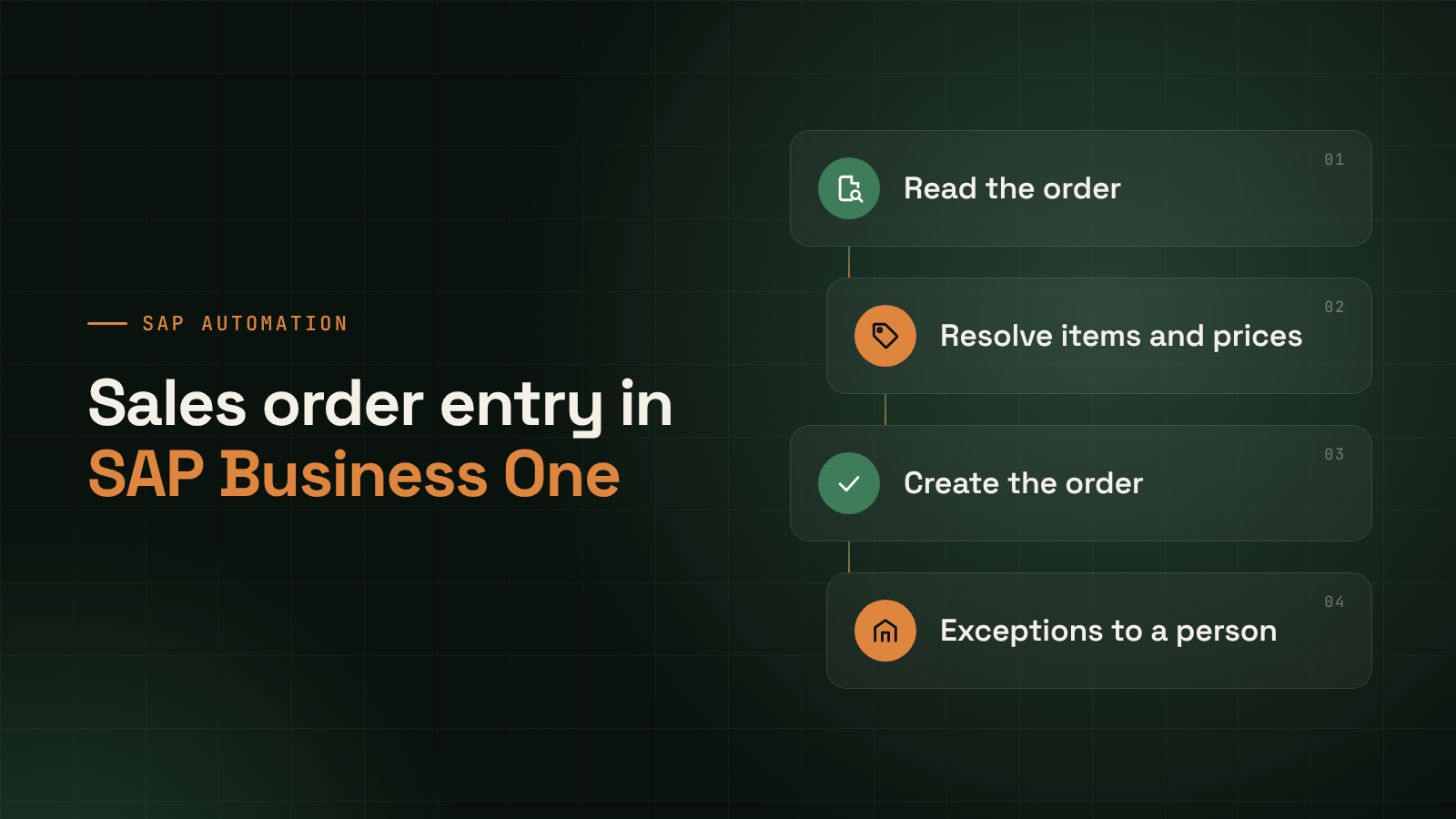
Purchase order to sales order automation, done the way an experienced order-desk person would do it: the agent works through each PO and shows its reasoning on every line before it hands anything over.
- 01 · Reads
Reads any PO format
POs are picked up from the sales inbox as PDFs, images or email text, or uploaded in a batch by your order desk. The agent classifies the document (payment advices and enquiries route elsewhere), splits bundles, and reads the PO number, revision, dates, ship-to, terms and every line in the customer’s own words. A low-confidence field blocks the checks until a person verifies it, so checks never run on guesses.
- 02 · Maps
Maps lines to your item master
The sender is resolved to your SAP business partner. Each line’s wording is translated to your item code through a per-customer alias book, and the customer’s units are converted to yours with factors from master data, never typed. Close matches arrive pre-selected for confirmation; unclear ones wait for a person to pick. A pack size or customer your SAP does not know yet is never guessed: the agent raises a master-data request, parks the order, and picks it up again with every check re-run once the master is fixed.
- 03 · Checks
Checks price, stock and credit
Each line price is normalised to your base unit and checked against the governing reference: the rate contract if one covers the customer and item, then the quote you sent, then the price list, then the last price sold. Over-priced and under-priced lines are both held. Then the agent checks stock and the promise date, adds this order and undelivered open orders to open receivables and checks the total against the credit limit, works out tax from the bill-to and ship-to addresses, and looks for duplicates and revisions of a PO already booked.
- 04 · Stages
Stages the sales order
Clean POs wait in your order desk approval queue with every check recorded on the lines. Once the approver with the right limit signs off, the agent stages a draft sales order in SAP and a person releases it there. The acknowledgment is drafted with converted quantities and an honest promise date, ready for a person to send.
- 05 · Flags
Flags only what needs a decision
Each exception goes to the person with the right approval limit: a price variance to sales, a credit hold to finance. A release takes a typed reason into the override register, and a customer on sales hold is a hard stop nobody can release. Every mapping your team confirms is written to that customer’s alias book, so the same wording never has to be resolved twice.
Illustration: a morning of customer POs at a typical mid-size plant
Say a plant’s sales desk receives a few dozen customer POs a day, almost all as PDFs. The agent reads the overnight batch before the desk opens. Most map cleanly through the alias books, agree with the quotes and sit within credit, and are already waiting in the approval queue with every check recorded. A few are held: one line priced below the quote, one PO that would take a customer past its credit limit with two invoices already overdue, and one revision of a PO booked last week, shown as a line-by-line diff.
The desk starts with those few, each with the evidence on one screen, then approves the clean batch, and the draft sales orders are staged in SAP as they are approved.
Illustration of how the workflow runs. Not a measured client result.
- 09:12:20Read PO 4471-B from the sales inboxPDF classified as a PO · 4 lines · customer resolved to BP C-2087Email
- 09:12:35Mapped 4 lines through the alias book3 matched on sight · units converted from master dataSAP B1
- 09:12:50Checked price against quote Q-3310 v23 of 4 lines agree · line 4 below quoteSAP B1
- 09:13:05Checked credit, stock and duplicatesExposure within the limit · stock at Plant 2 · first booking of this PO numberSAP B1
- 09:13:20Prepared the order for approval, 1 line heldEvery check recorded on the lines · nothing staged in SAP yetAgent
- NowWaiting for the order deskApprove, release line 4 with a reason, or reject. The draft is staged in SAP only after approval, with the acknowledgment drafted for a person to send.You
04Compared
Sales order agent vs manual order entry vs EDI
| What matters | Corpogents Sales Orders agent | Manual order entry | EDI |
|---|---|---|---|
| Which customers it covers | Every customer that sends a PO, in any format | Every customer, one PO at a time | The few large enough to set up a feed |
| Customer’s item wording | Translated through a per-customer alias book, learned from your approvals | Looked up from memory | Mapped once in the trading partner setup |
| Price against the quote | Every line, normalised to your base unit | When someone remembers | Not checked unless built |
| Credit, stock and duplicates | Checked before the draft is staged, with the evidence attached | Checked after booking, if at all | Checked by SAP at posting |
| Revised POs | Diffed line by line against the booked order | Often booked twice | Depends on the partner |
| Who posts | Your order desk, in SAP | Your order desk | The system, on arrival |
| Who runs and tunes it | We do, as a managed service | Not applicable | Your IT team and each partner |
05Control
Nothing enters SAP until a person approves it
You decide how much the agent does on its own. On day one it reads, maps, checks and drafts, and that is all.
It stages sales orders in SAP. It never posts one.
Drafts, never postings
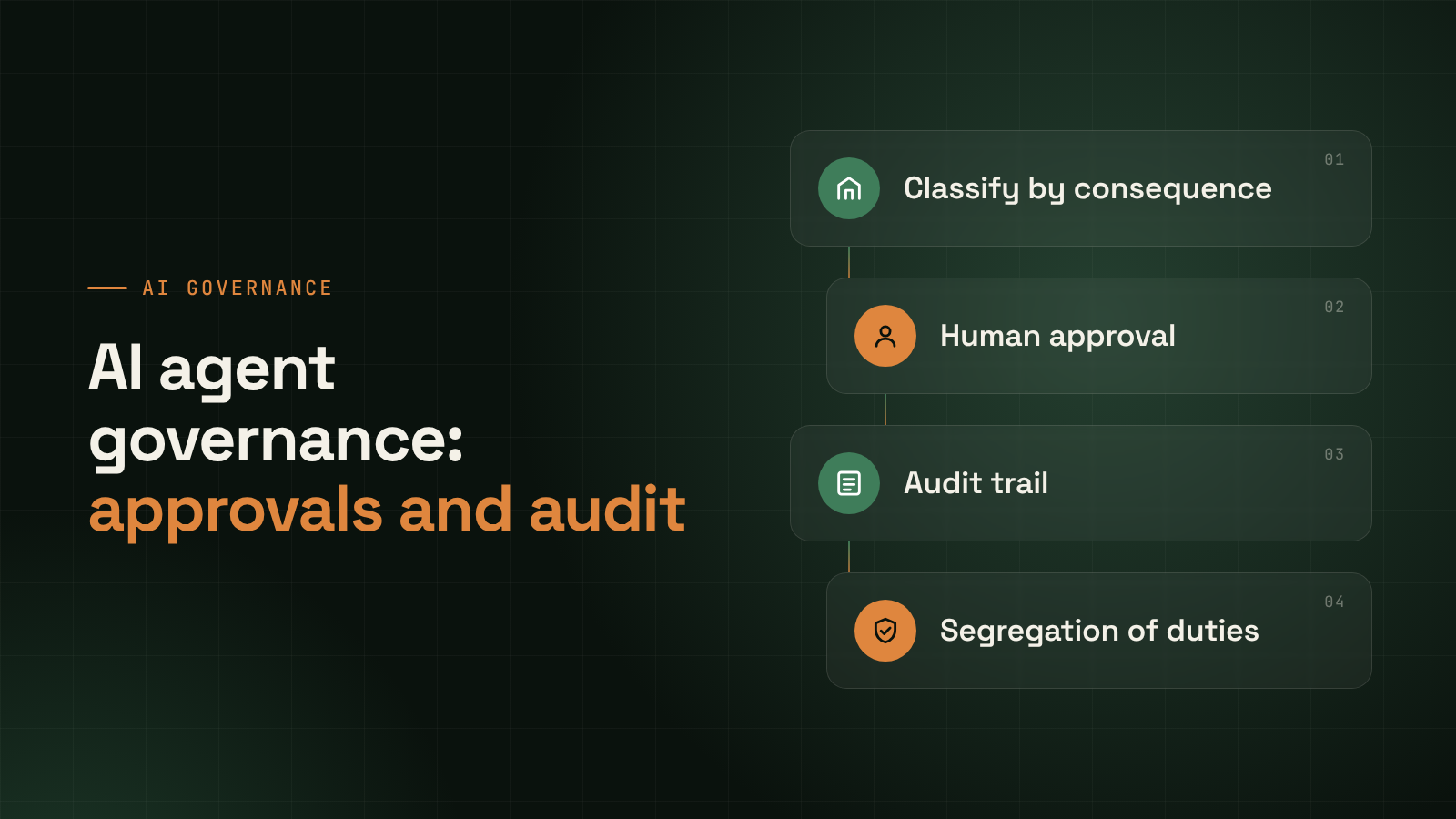
Your approval chain signs off first, each level capped by its limit. Only then does the agent stage a draft sales order in SAP, never a posted document, and a person releases it inside SAP. Staging is idempotent, so a retry can never create two orders.
- Exceptions
A reason on every release. A held line is released only with a typed reason that lands in the override register and rides into the SAP draft remarks. Hard stops, such as a customer on sales hold, cannot be released by anyone.
- Record
An audit trail that cannot be switched off. Read-only by default, an append-only log on every action and a change log on every setting: who, what, when, why. A revised PO supersedes the original on the record and every check runs again on the new content.
- Access
Access your IT team controls. Agents run in the Corpogents cloud and connect to your SAP through a user your IT team creates and can revoke, with only the permissions you grant. We never train models on your data.
06Integrations
Works with SAP Business One and SAP S/4HANA
POs arrive where customers already send them and the draft order appears where your desk already works. Customers notice nothing except a faster acknowledgment.
- ERP
- SAP Business One (HANA or SQL Server) and SAP S/4HANA.
- Intake
- Your sales mailbox, with PDFs, images and email-body POs, plus batch upload.
- Masters
- Customer master, item master, units of measure, price lists, rate contracts and open quotes, read from SAP.
- Tax
- Tax ID and rate checks from your customer and item masters, with the tax treatment worked out from the bill-to and ship-to addresses under the GST and VAT rules for the countries you operate in.
- Credit
- Open receivables, undelivered open orders and this order against the credit limit in SAP. Overdue invoices flag the order and hold the acknowledgment.
- Approvals
- Approval levels by variance and by amount, matching your delegation of authority, with hard stops you define.
07What changes
A wrong order costs you three times
- Item and unit mix-ups are caught before dispatch, not after the wrong shipment, the credit note and the re-invoice.
- The first PO from a new customer may need a few picks. As the alias book fills, most lines map on sight, so order volume can grow without the order desk growing with it.
- Every PO price is checked against the quote you actually sent, so under-pricing stops leaking margin invisibly.
- Over-limit accounts are held and overdue ones flagged at the order desk, not discovered after the goods have left.
- Duplicates and amendments surface on arrival, so the old order never ships against a revised PO.
- Customers get a same-day acknowledgment with converted quantities and an honest promise date, which is what wins the next PO.
08FAQ
Sales order automation, answered
Can it convert a purchase order PDF to a sales order?
Yes. The agent reads PDF and image POs from your sales inbox: PO number, revision, dates, ship-to, payment terms and every line in the customer’s wording, unit and rate. It maps the lines to your item master, runs the checks and sends the order to your order desk, and the sales order is staged in SAP as a draft once approved. Every field carries a confidence score, and anything below the gate blocks until a person verifies it against the document.
What happens when item descriptions don’t match our item master?
The agent keeps a per-customer alias book. Once your team confirms that a customer’s wording means a specific item, the mapping is learned at approval. Close matches arrive pre-selected for one-click confirmation, unclear ones are held until a person picks, and the same wording never has to be resolved twice. That is where touchless order processing comes from: no retyping and no repeat lookups, with a person still approving.
Does it check the PO price against our quote?
Yes, on every line. The PO rate is normalised to your base unit and compared against the governing reference: the rate contract if one covers the customer and item, then the quote you sent, then the price list, then the last price sold. Over-priced and under-priced lines are both held, because under-pricing leaks margin invisibly, and a release needs a typed reason with the margin impact stated.
Does it check the customer’s credit before the order is staged?
Yes. The agent adds this PO’s value and the customer’s undelivered open orders to their open receivables and checks the total against the credit limit in SAP. If the order would take exposure past the limit, it is held for a release by someone whose approval limit covers it, with the evidence attached. If the customer has overdue invoices, the order is flagged and the acknowledgment waits until receivables confirms. A customer your finance team has put on hold is a hard stop nobody can release.
What about revised POs and amendments?
A revised PO is recognised by its PO number and revision markers and diffed line by line against the booked order. It never creates a second order. Your team sees exactly what changed, the original is superseded on the record, and every check runs again on the new content. No earlier release carries over to the revision.
Does anything post to SAP without our approval?
No. The agent stages a draft sales order, never a posted document, and only after your approval chain has signed off, each level capped by its limit. A person releases the final document inside SAP. Staging is idempotent, so a retry can never create two orders.
Which ERPs does it work with?
We work with SAP Business One (HANA or SQL Server) and SAP S/4HANA today. Customer, item, price and credit data are read from SAP and the draft order is staged there. If you run another ERP, tell us when you book.
How long does it take to go live?
The agent already exists, so deployment is configuration and testing rather than a build: your SAP connection, your price tolerances, credit rules, approval levels and acknowledgment templates, and the mailbox the agent reads. You get a dated plan at the end of Map, and the agent reads real POs alongside your order desk before it stages anything. The alias books build themselves from your approvals from the first day.
NextBook a demo
See the agent read a customer PO like yours
In the demo we run the agent on sample POs that look like the ones your customers send, show you the alias mapping, the checks on every line, a held line and the audit trail, and talk through your order volume, your SAP setup and your approval rules. You’ll leave knowing whether order entry is the right place to start.
Free · 30 minutes. No data needed from you for the demo.
Related guides